From Speaking a Foreign Language to Auditing Ad Spend: 5 AI Tools
We picked tools for speaking practice, repetitive work, and content production, and looked at free allowances, billing terms, and where your work actually gets stored.
We picked five AI tools that help with speaking a foreign language, automating accounting work, producing video and animated graphics, and auditing ad spend. With solo learners and people trying to cut down on repetitive work in mind, we looked at what each tool is good for, what it costs, and how your work gets used.
Kippy AI: practice speaking a foreign language with AI
Kippy AI is an app for practicing a foreign language through voice calls and text chat. During a conversation you can ask for a translation or a suggestion for what to say next, and the app gives feedback on pronunciation, grammar, and how naturally your speech flows. It is worth a look if you find it hard to get the first words out in another language, or if you want to keep up conversation practice on your own. It runs on iPhone and iPad; there is no Android app.
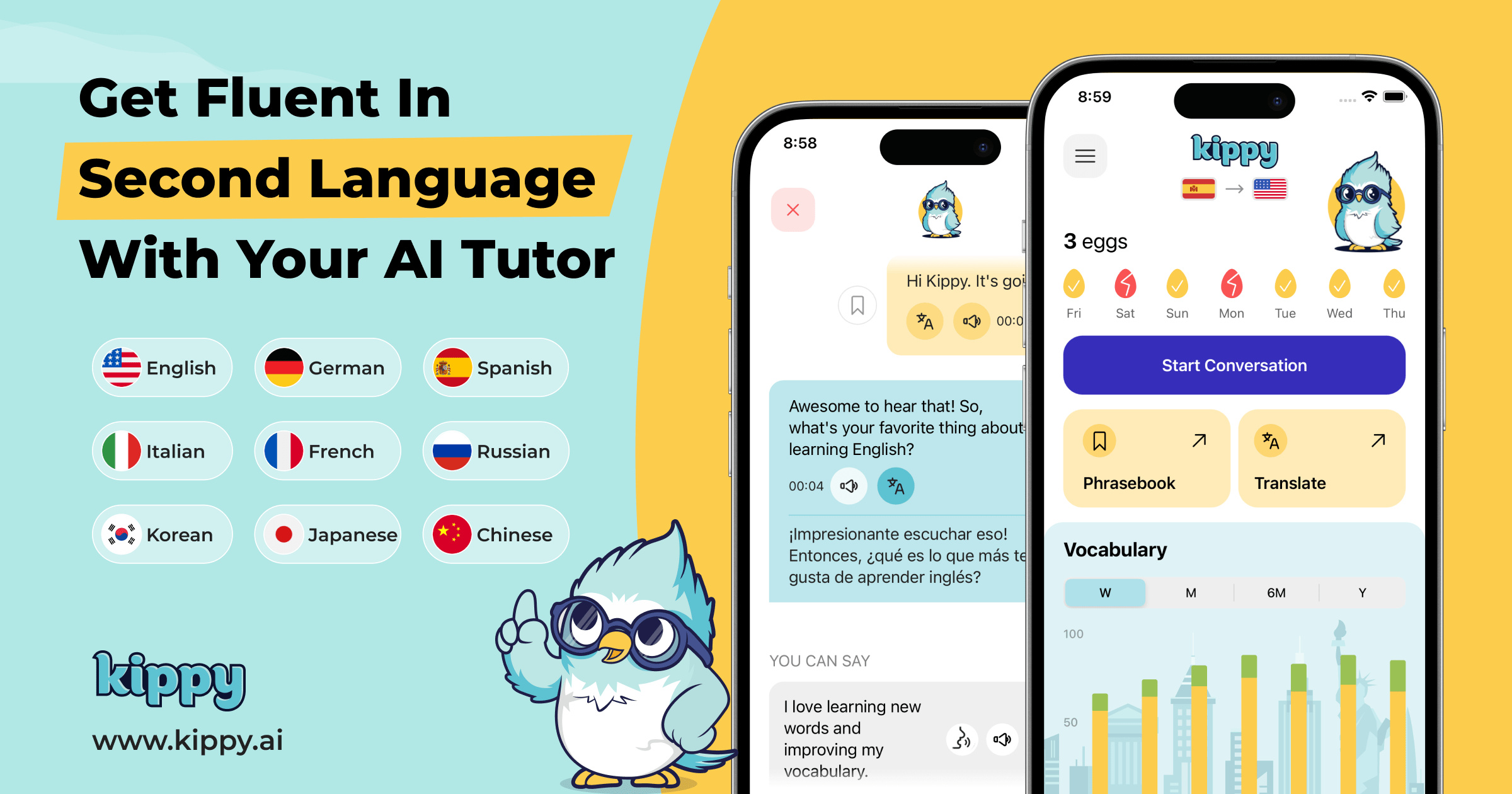
Image: kippy.ai official site
According to the company, free conversation with the AI is capped at 10 minutes per day. The paid Language Learning Premium plan is listed at $16.99 per month on the US App Store. Korean is supported both in the interface and as a practice language, and you can ask for help in your native language mid-conversation.
Be careful about putting personal information into conversations. The privacy policy states that some recordings may be reviewed by humans or used as training data to improve the service. The company says it does not use this data for marketing or sell it to other companies.
Latch.ai: record your accounting workflow and automate it
Latch.ai follows a workflow you have recorded on screen with voice narration and then handles repetitive accounting tasks for you. When it hits an exception, it asks the user to make the call, and it keeps a log of the steps it carried out. It is worth evaluating if you handle bookkeeping and repeat the same sequence of steps over and over. It is available as a desktop app and on the web.
Image: latch.ai official site
The free Open plan is for a single user, comes with 50 credits per month, and does not require a credit card. On monthly billing, Solo is $50 per month, Power is $490 per month, and Team is $1,499 per month. If you are testing it for free, it is a good idea to first check how many credits a single task consumes.
Recorded screen captures and audio are stored in the cloud as customer content. The privacy policy states that this material may be used to train the company’s own AI as well as that of outside vendors, and it also tells customers not to upload sensitive material. Before you record accounting work, check what information will end up in the screen capture and your narration.
Cardboard AI: generate a video draft, then revise it by chat
Give Cardboard AI some text or your source footage and it produces an editable video draft. From there you can request changes by chat or make edits directly in the editing view. One use case: draft an internal company video and share a link to collect feedback from colleagues. It supports the Chrome browser and an Apple Silicon Mac app; phones and tablets are not supported.

Image: Cardboard official site
The Lite tier of the Mac app is free. Monthly prices listed on the website are $8 for Lite, $29 for Starter, $59 for Creator, and $175 for Pro. The first month costs $5, $9, $30, and $89 respectively. Lite does not include the AI video generation feature, so if you want AI editing, check which features come with which plan.
Work in the Mac app is stored on your device, but AI features such as speech-to-text transcription and video generation run in the cloud. The privacy policy states that content you submit may be used to improve the service and to train and test the technology. In the Mac app, data sharing for improvement purposes is on by default and can be turned off in settings.
Lottie AI: turn a description or an image into an animation
Lottie AI creates animations from text or an imported graphic. Because the output format scales without losing quality, you can change colors, size, and copy, or refine it with follow-up requests. It is handy for creating animations for an app’s onboarding screens and exporting them as GIF or MP4. It runs on the web and supports desktop computers as well as iPad, iPhone, and Android devices.
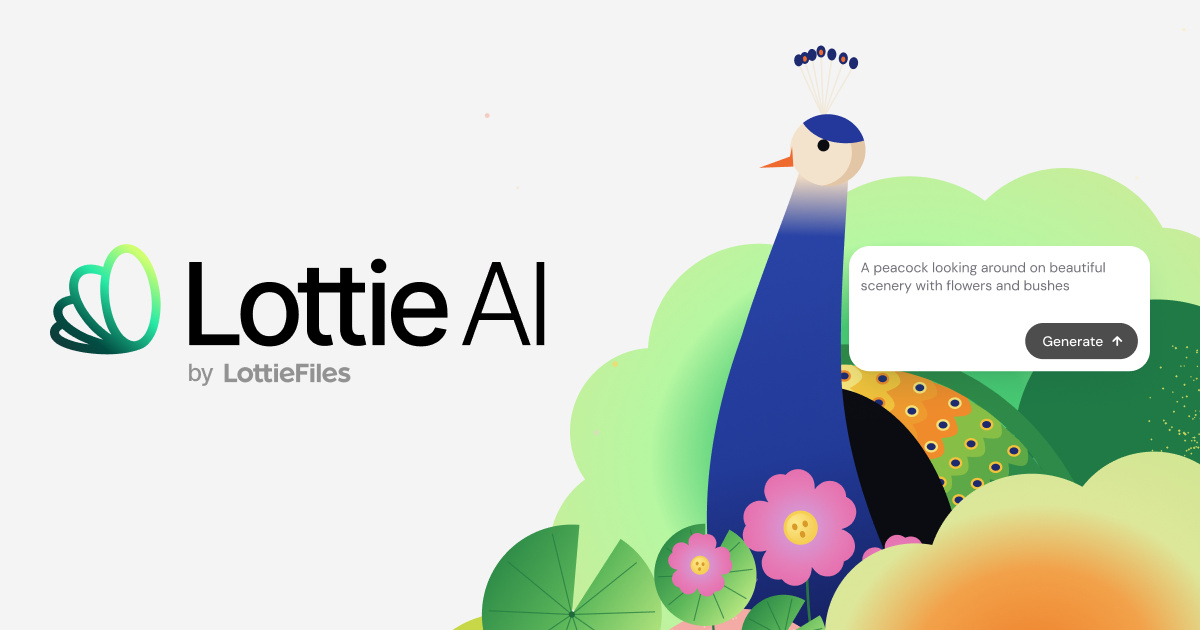
Image: Lottie AI official site
The free Starter workspace allows 10 actions total, counting both generations and edits. That allowance does not refill. On annual billing, paid pricing is $19.99 per user per month for Individual and $24.99 per user per month for Team.
The company says it does not use your inputs or outputs to train AI. That said, the content needed to generate a graphic is sent to an outside AI vendor and processed in the United States. If you create a share link, anyone who receives it can view and copy the animation, so check your sharing settings too.
ScroogeFrog AI: audit ad spend and suspicious clicks
ScroogeFrog AI detects bots and fraudulent activity in your website traffic logs and analyzes Google Ads spending. The AI also suggests items to fix. It is worth evaluating if you are a small business owner or solo operator running ads and want to review visitor patterns and how your ad budget is being spent. It runs in a web dashboard, and to get analysis you need to install a tracking code on your own site.
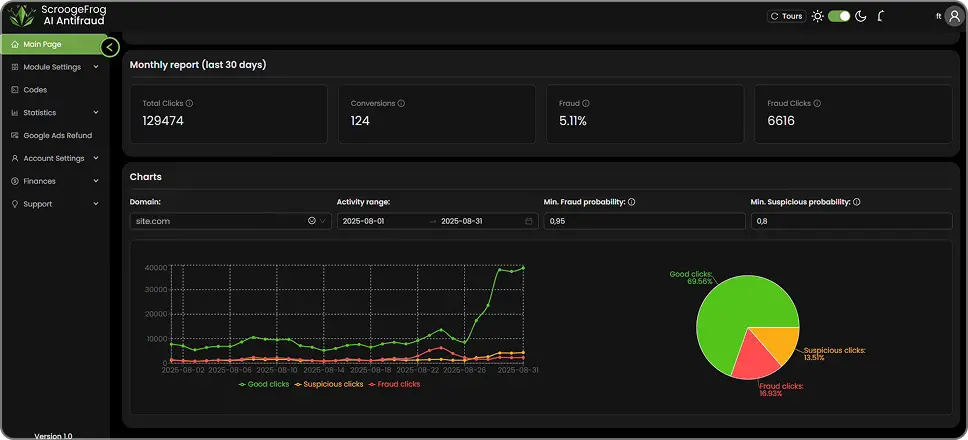
Image: scroogefrog.ai official site
Every plan comes with a 14-day trial, and you are not charged if you cancel during the trial. Monthly pricing is $10 for Test, $99 for Lite, $249 for Medium, and $499 for Pro. An account signup is required to use it. The privacy policy states that it may collect IP addresses, device information, usage logs, cookies, and more. It does not sell personal information, but it may share it with service providers or transfer it internationally.
These five tools cover very different jobs, from speaking practice to content production to operational auditing. When choosing one, do not look only at the free allowance: check which plan actually includes the feature you intend to use, and where your work is stored and how it gets used. When you run a trial, how long it takes to get the result you want and how much manual cleanup you have to do are important criteria to weigh.