Google Expands Gemini Intelligence, Letting Users Create Custom Widgets from Descriptions
Support is expanding to select Pixel 10 models and a Motorola device. A gradual rollout adds custom widgets without coding, help changing phone settings, and personalized suggestions on car displays.
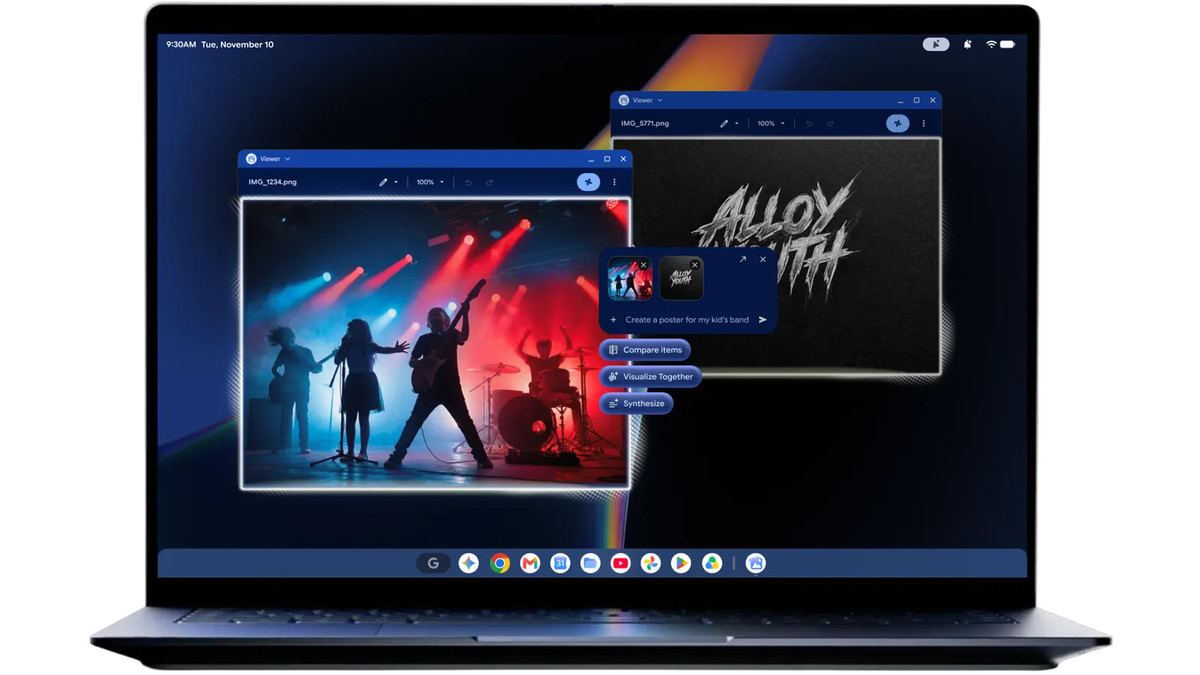
Google announced new features and broader device support for Gemini Intelligence on Android on November 10 (local time). Users can create widgets by describing what they want and ask their phones to change settings. Google is also expanding features that surface personalized information on car displays and smartwatches.
Google introduced Gemini Intelligence earlier this year. Supported devices began launching in the summer, including Pixel 11 and Samsung’s Galaxy Z Fold8 Ultra, Z Fold8, Z Flip8, and S26 series. The latest expansion brings support to more devices and adds features that help users control their devices and make use of information within apps.
Which devices are supported?
The latest Pixel Drop update brings new features to Pixel 10, Pixel 10 Pro XL, and Pixel 10 Pro Fold. Motorola is introducing motorola signature 27, its first device to support Gemini Intelligence. U.S. preorders open on November 19.
Rambler, which turns thoughts spoken aloud into organized text in real time, is also coming to more devices. Google said the feature is available on the Pixel 10 family and motorola signature 27. Task automation that works across apps to order food, book rides, and make reservations is expanding to the UK, India, and Japan.
Create My Widget: Describe what you want
Create My Widget builds custom widgets from a description of what users want. Widgets are small panels that put useful information directly on the home screen. Google said users can create travel itinerary boards, monthly spending trackers, and race-day countdowns without coding. The feature will roll out over the coming weeks.
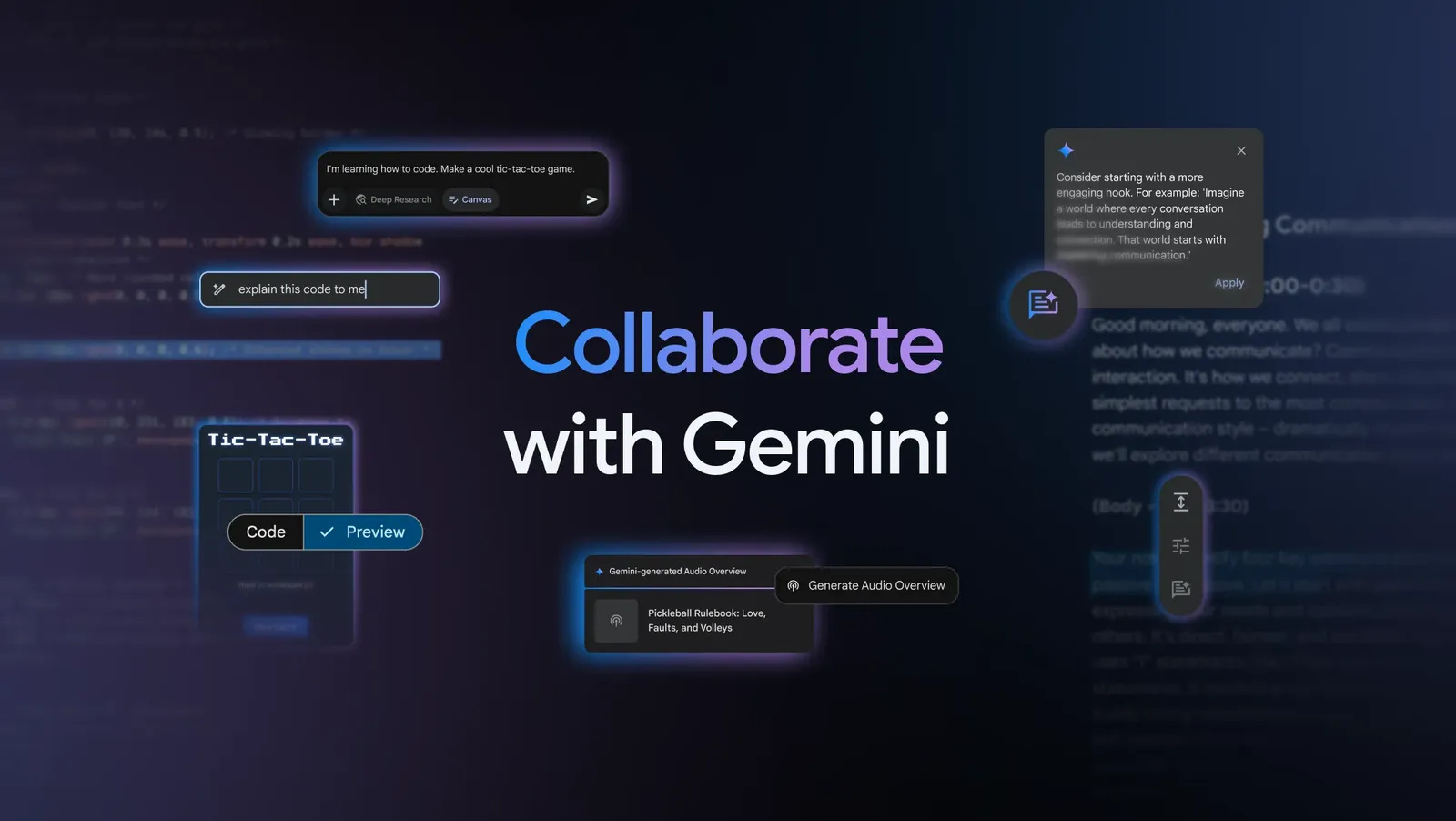
Source: Google (press release)
Widgets can draw information from Gmail, Calendar, and Search. Users describe what they want to see, and the relevant information is brought together on their home screen. Google also plans to bring the feature to Pixel Watch in the coming weeks, allowing users to check the information they need through custom widgets on their smartwatches.
Device Assistance helps change settings
Device Assistance lets users ask their phones for help controlling the device or changing settings. Google cited freeing up storage and checking which apps can access location data as examples. It said the feature can also handle requests to silence distracting notifications while allowing important calls through.
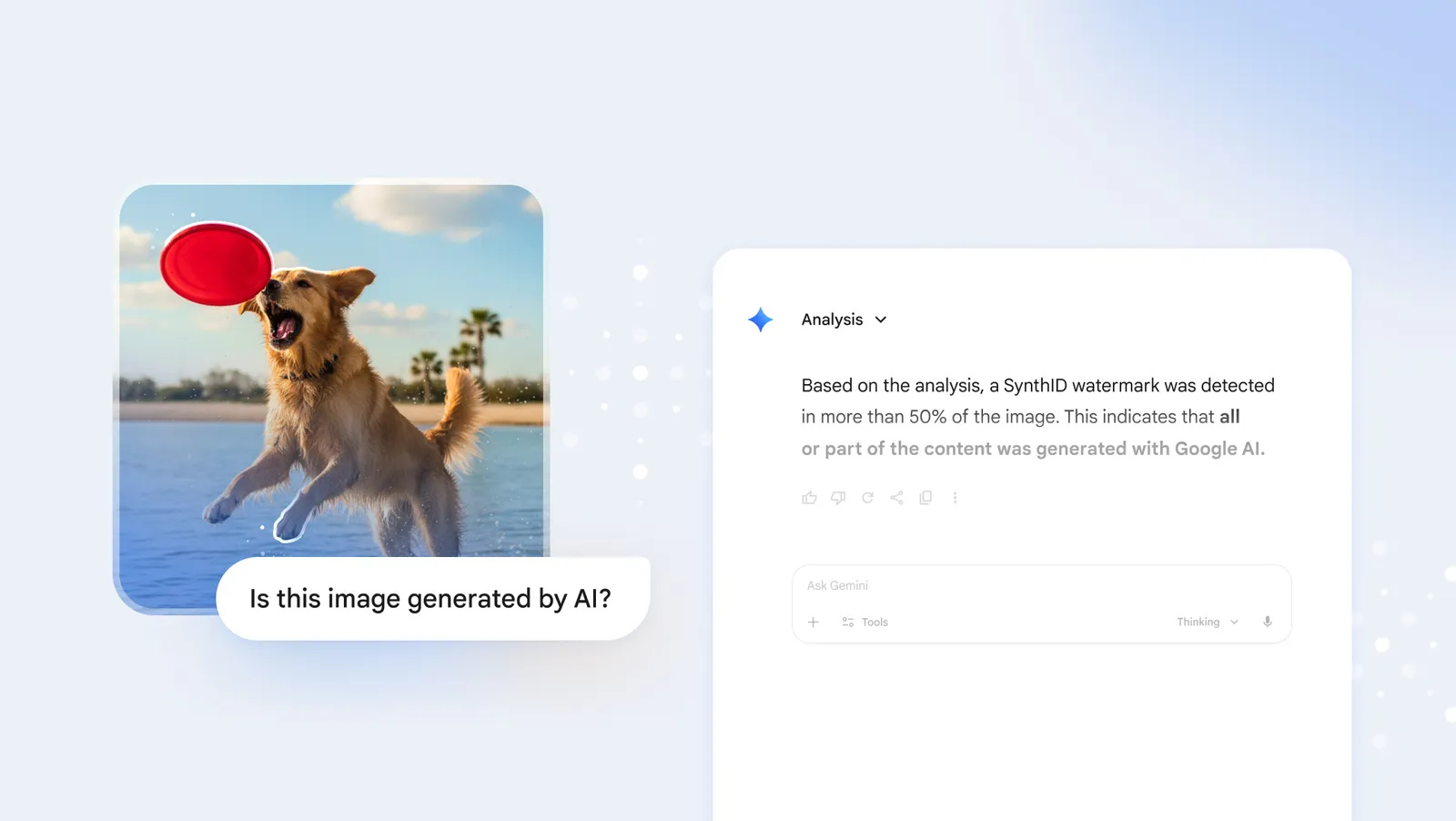
Source: Google (press release)
Car displays will also offer personalized suggestions based on information in apps. Google plans to introduce personalized suggestions in Android Auto soon for users with Pixel phones that support Gemini Intelligence. For example, if a friend texts to ask where a fitness class is being held, the system can find the address in a confirmation email and suggest sending it with a single tap.
The new features focus on reducing the effort of switching between apps to find information or digging through settings menus. Google is extending Gemini Intelligence’s reach from the home screen and phone settings to cars and smartwatches.