Google's Gemini Omni 1.2 Flash Stretches Video to 15 Seconds and Cuts Prices 30%
Generating 720p video now costs $0.07 per second, 30% less than before. You can also revise a finished clip using plain-language instructions.
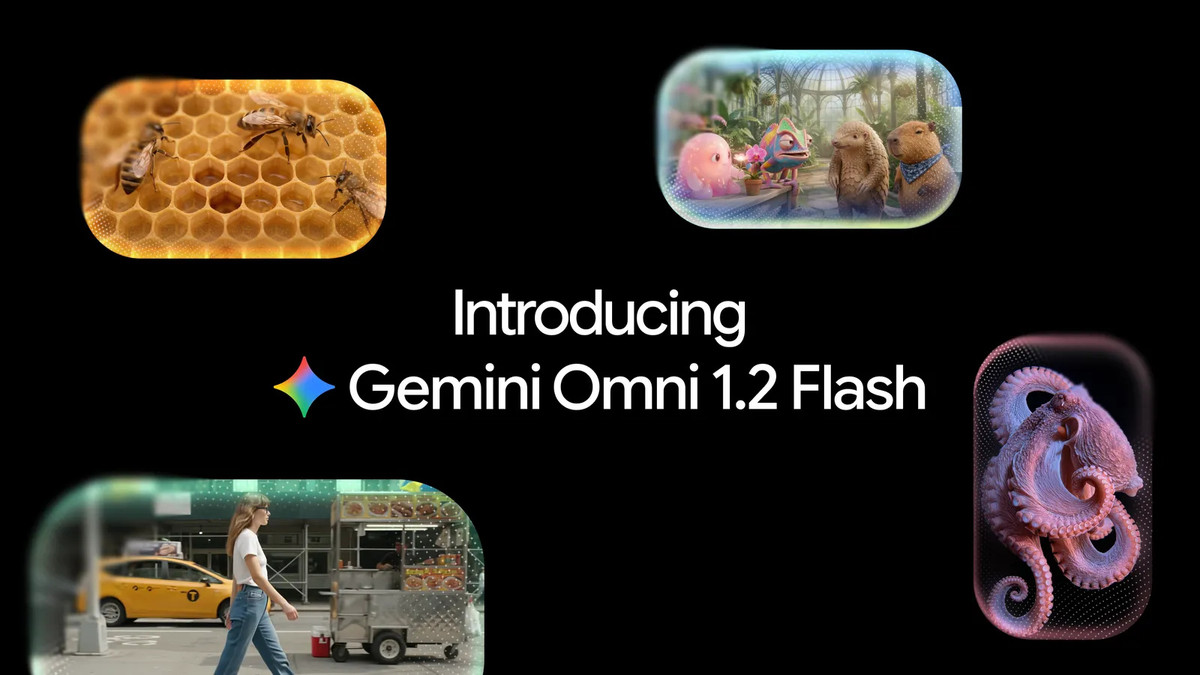
Google unveiled Gemini Omni 1.2 Flash, its video generation model, on November 5 (local time) and began a staged rollout. It is now generally available through the Gemini API, which developers plug into their own services, and through Gemini for business, the company’s enterprise offering. The maximum length of a single generated clip has grown to 15 seconds. Generating 720p video costs $0.07 per second, 30% less than the previous Gemini Omni 1.1.
What does stretching clips to 15 seconds buy you?
Maximum clip length rises from 10 seconds in the previous version to 15 seconds. You can specify any length from 3 to 15 seconds in one-second increments, both when generating and when editing. For product explainers or social media ads, that means more content can fit into a single generated clip.
Google also says the model is better at holding on to the characteristics of reference images all the way through a clip. You can steer the output by supplying a portrait, a product shot, and a mood image, along with up to three seconds of motion video and audio material. Google showed an example in which a single photo of a model plus front and back shots of three garments produced a 15-second virtual try-on video. According to the company, the clip preserved the face, the shape of the clothing, and fine details on the back even as the figure turned.
Can you fix a clip without regenerating it?
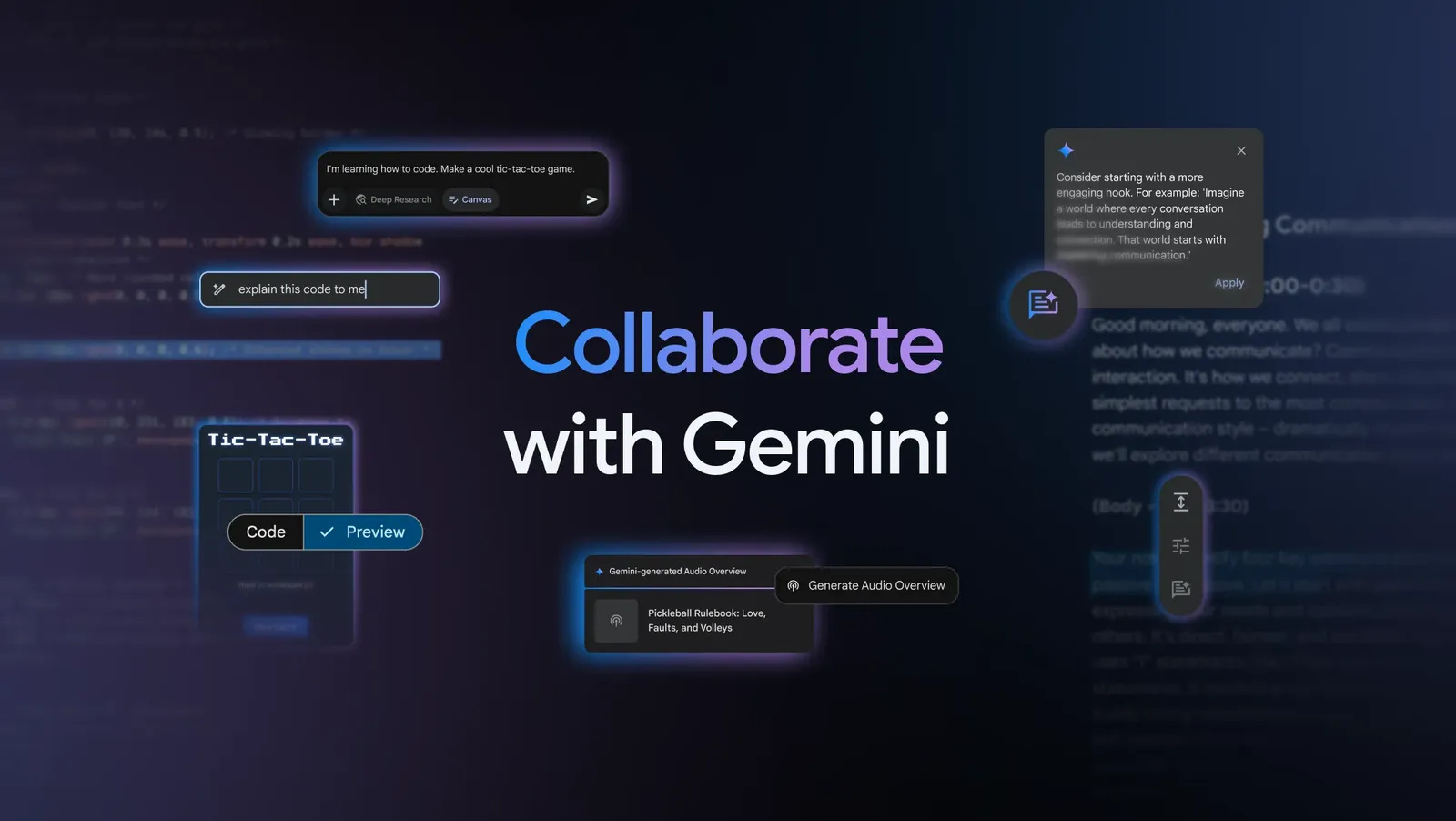
Finished videos can be revised through follow-up instructions in plain language. Across the full 15 seconds, you can swap out a product or a background and adjust lighting, weather, and aspect ratio. Google demonstrated taking one clip and changing its backdrop in sequence from a tent to a forest, a stable, a market, and a castle while keeping both actors’ performances and the camera framing intact. For an ad team, that means building multiple versions of the same scene tailored to different audiences and placements.
Source: Google (press release)
There is also a workflow that splits drafts at low resolution from final renders at high resolution. You generate a draft at 360p or 720p, fix what needs fixing, then upscale only the takes you select to 1080p or 4K. Google says revising details rather than regenerating an entire video helps keep costs down.
Dialogue scenes and camera movement have improved as well. Google says speech sounds more natural and lip movement lines up better with the audio. It added that assigning distinct voices to multiple characters has also been improved. In shots where the camera crosses a space or orbits a subject, the company says unwanted cuts have been reduced. Google noted that fast sports motion, complex physics, and abrupt script changes are still works in progress.
Where can you use it, and at what price?
Access splits across developer tools, enterprise services, and consumer apps. Developers can experiment in Google AI Studio, while businesses can get started from the Google Cloud console. General users can stage scenes and edit them conversationally in Flow. In Google Vids, a Google account or Google Workspace subscription covers 15-second video creation at no extra cost. Fifteen-second generation in the Gemini app is rolling out to Google AI Ultra subscribers.
Source: Google (press release)
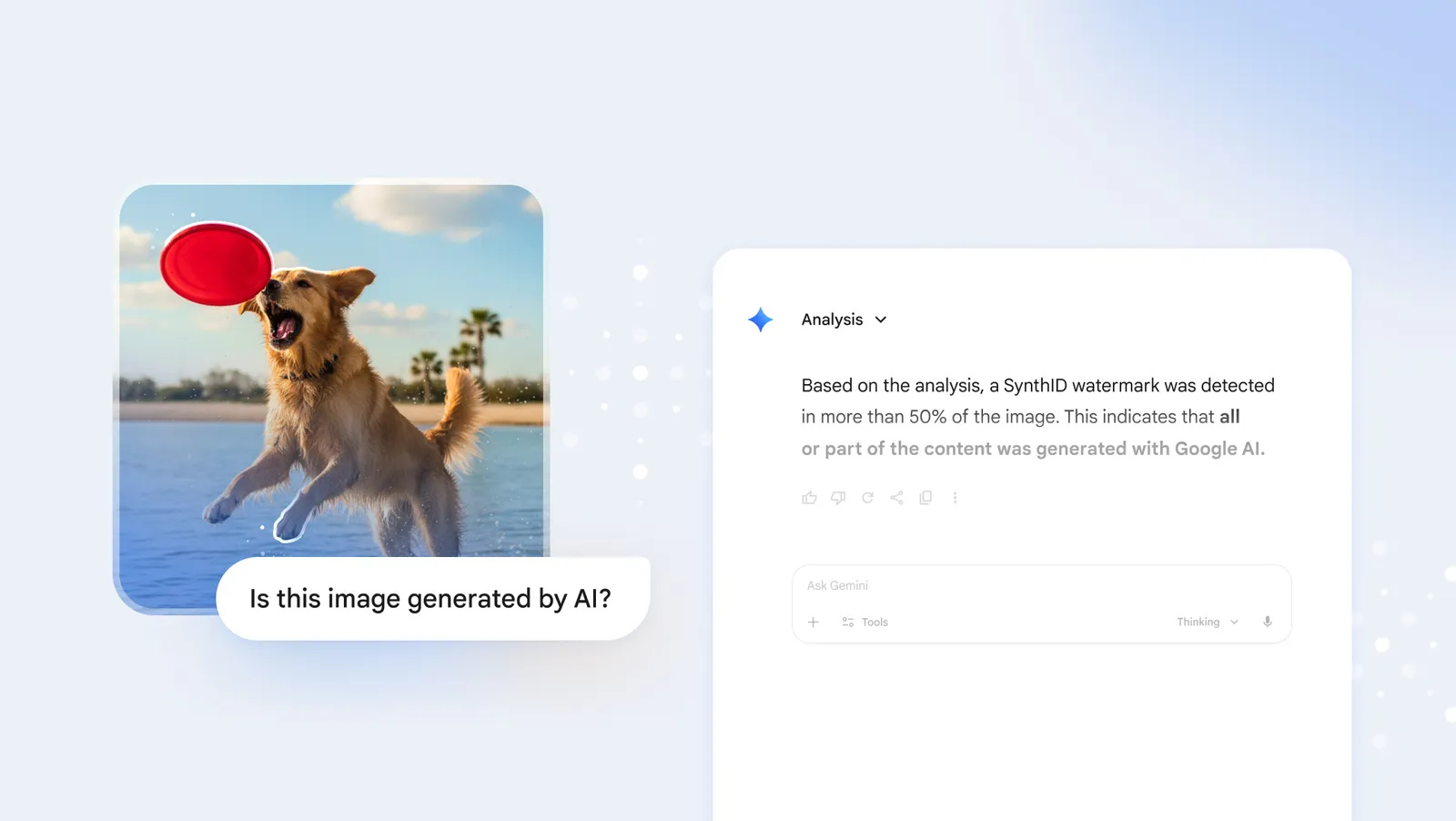
Google says generated videos carry an invisible SynthID watermark. Two things are worth checking in real production work: whether a character’s and a product’s distinguishing features survive repeated rounds of edits, and how much the full path from draft to final upscale actually costs.