Five AI Tools for Meeting Notes, Job Hunting, Video, and 3D Design
We picked tools that cut down repetitive work, tools that help with creative projects, and one AI that runs without an internet connection. We also looked at how far the free tiers go, and where your data ends up and how it gets used.
This time around we picked AI tools that handle meeting notes and job applications, and that generate video and 3D parts. Rounding out the list of five is a tool that lets you ask questions and search documents without an internet connection, as long as you download the material in advance.
sideOS.ai: Transcribes meeting recordings and operates your Mac
sideOS.ai is an AI assistant that reads your Mac’s screen and, based on requests you give by voice or text, opens apps, clicks, and types. It offers on-device dictation, and it can record a meeting, transcribe it, and summarize it. That makes it useful for keeping a record of meetings or dictating a first draft of a document. You need a Mac with Apple Silicon and macOS 14 or later.
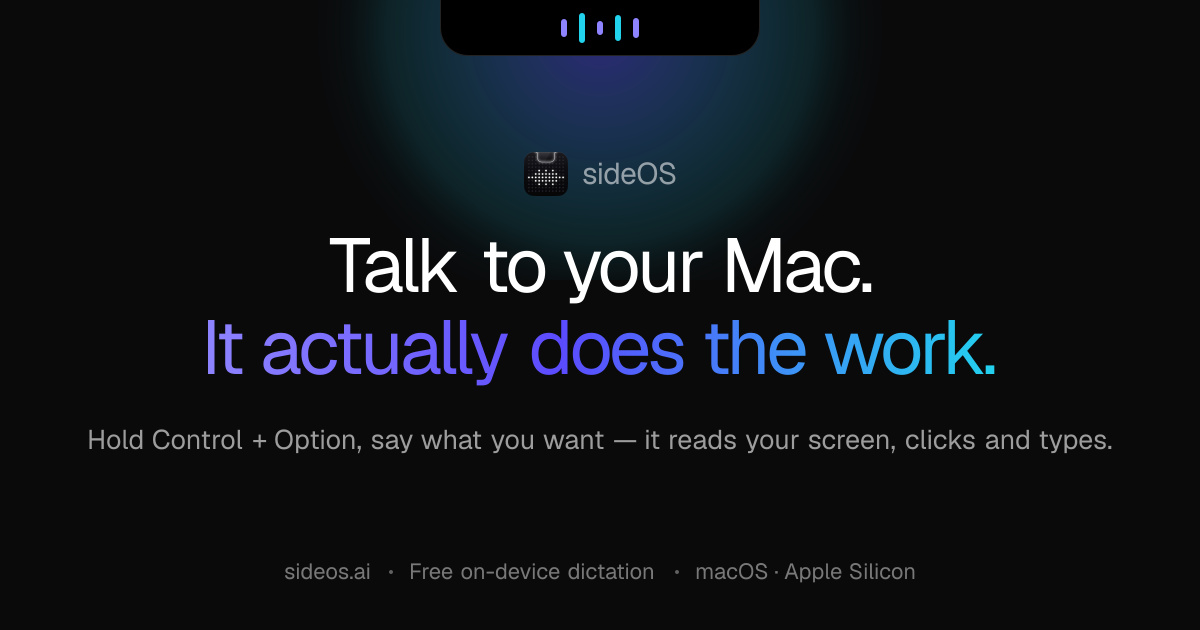
Image: sideOS official site
Pricing is a one-time purchase of $89.90 with no monthly subscription. Dictation costs nothing extra. AI tasks, however, require either paying usage fees to the model provider you choose or running an AI model locally on your device. The official site lists 32 interface languages and 62 dictation languages.
You do not need to create a sideOS account. Meeting records and activity logs are stored on your Mac. That said, the screen contents and requests needed for AI tasks may be sent to the AI provider you select. If you work with internal company documents, it is worth checking which model is processing them. The anonymous usage statistics sent once a day by default can be turned off in settings.
Jobmate AI: Auto-fills applications and keeps track of your schedule
Jobmate AI helps with everything from finding job postings to applying and tracking your progress. It can auto-fill applications or submit them automatically using a saved profile, and it writes resumes and cover letters tailored to a given role. It is worth considering if you are applying to multiple companies while revising documents and juggling interview dates. It works as a web app plus Chrome and Firefox extensions, and requires a free account.
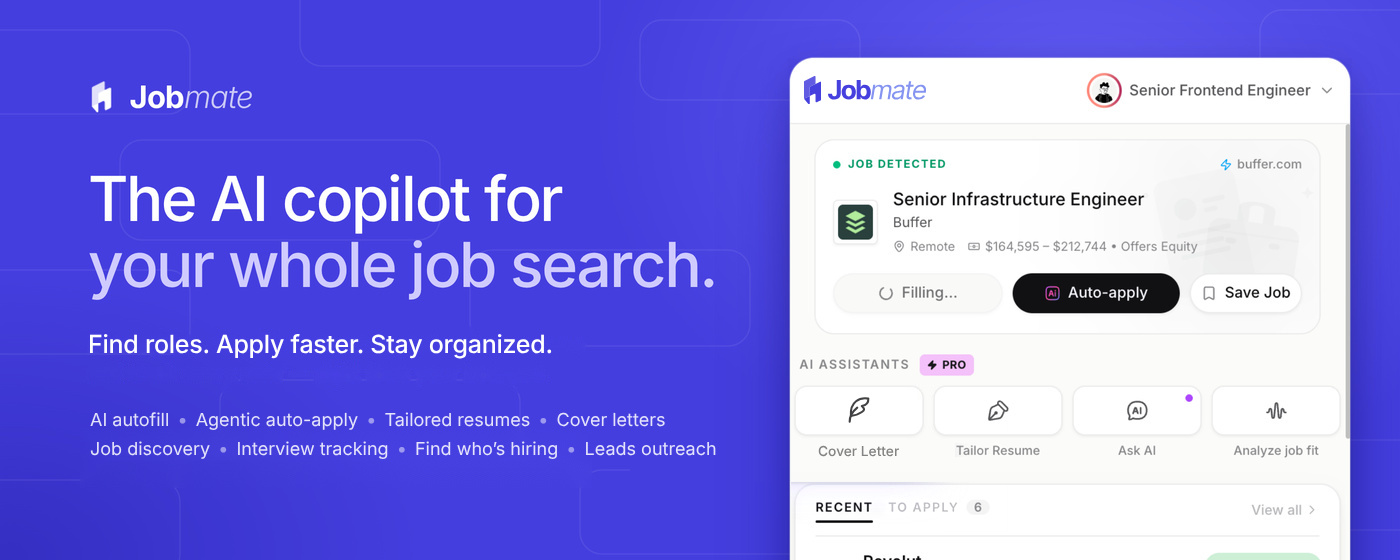
Image: Jobmate official site
The free plan lets you log an unlimited number of applications and create up to two resume profiles and two drafts. It also includes 10 auto-fills, 20 AI credits, and 2 auto-applications per month. Monthly pricing is $15 for Pro, $25 for Max, and $45 for Ultra. The pricing table also lists post-launch prices of $20, $30, and $50 per month respectively, so check the amount before you pay. The Chrome extension’s interface is in English.
Your resume and application details may be passed to outside providers that handle the AI features. Applications you submit are governed by the policies of the job site or employer. Deleting the extension does not erase data already uploaded to the cloud or cancel a paid subscription. You have to clean that up separately when you are done using the service.
MOVO AI: Build long-form video and revise it through conversation
MOVO AI takes an idea or source material, builds a story and scenes from it, and produces long-form video. You can watch the result and make revisions through conversation. The company highlights that it remembers the characters, scenes, and visual style in a project to keep things consistent from start to finish. It is useful for turning a video idea into concrete scenes or for producing content by iterating on the output. It runs on the web and as an iPhone app, and you need to log in to generate video.

Image: MOVO AI official site
New sign-ups get 100 free credits that never expire. Monthly web pricing is $19 for Starter, $49 for Pro, and $119 for Max. The iPhone app has its own separate plans: Mobile Lite at $12.99 per month, Mobile Plus at $29.99 per month, and Mobile Ultra at $84.99 per month. The App Store listing includes Korean among the app’s supported languages.
The prompts you enter and the files you upload may be processed by outside AI services. The company states that it does not use private creative work for model training without permission. If you upload material showing people’s faces, securing the necessary rights and consent is your responsibility.
zCAD AI: Write a description and get a 3D part
zCAD AI takes a written description or a reference image and generates editable 3D design parts and assemblies. It applies dimensions and the constraints that connect parts, and it can check whether parts fit together properly or overlap so you can make corrections. It runs in the browser and exports to design file formats such as STEP. You can use it to change the dimensions of a small object or examine how multiple parts fit together.
Image: zCAD.ai official site
The free plan provides 200 credits per month plus a one-time grant of 600 credits during the beta period. You can create assemblies and export files, but only for non-commercial use. Monthly pricing is $49.99 for Plus and $89.99 for Pro, while Business is quote-based.
Even on the free tier you have to register an account. Note in particular that models created with a free account are public, meaning others can view or copy them, and the generated data is used for training. The company itself advises against entering personal information or confidential designs. With a paid subscription you can make models private, and the company states that it does not use them for model training.
Survival LLM: Finds material and answers even when the internet is down
Survival LLM is a free, open-source tool that stores an AI model and a library of emergency-response material on your computer. Once the initial setup is complete, you can ask questions with no internet connection. It also shows the documents and specific passages it drew on for each answer. You can add your own PDFs, documents, e-books, and notes, so it works for looking up reference material when communications are cut off or for querying a collection of documents you have gathered.
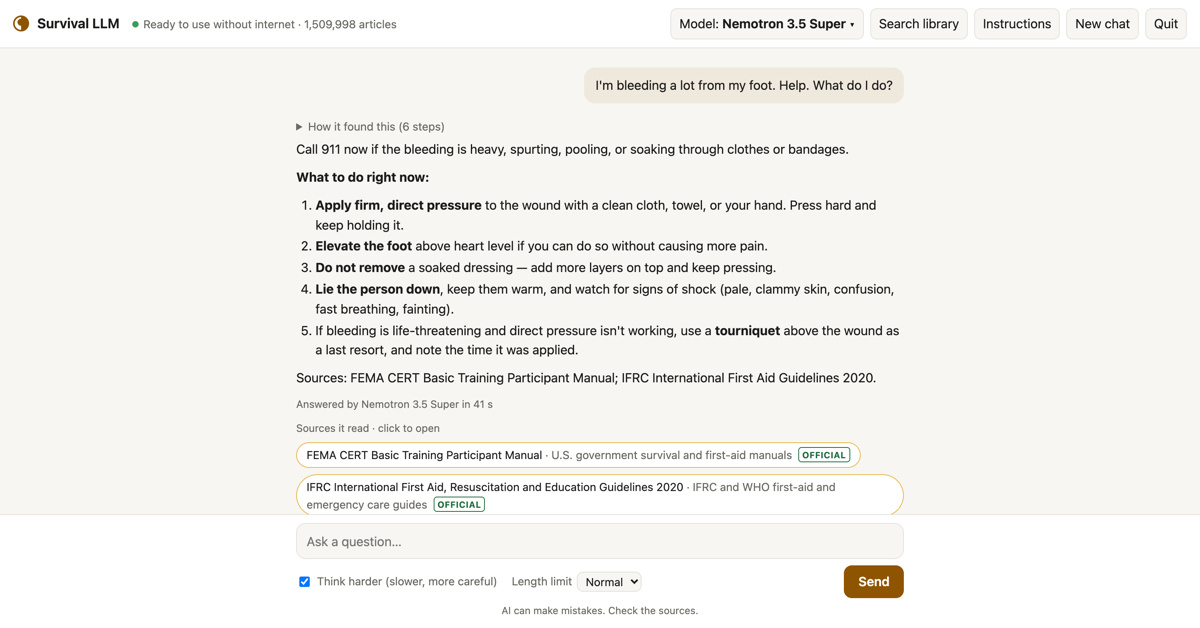
Image: brangus.io official site
There are apps for Apple Silicon Macs running macOS 14 or later and for 64-bit Windows 10 and 11. No account is needed, and your questions and added files stay on your computer. The operators state that they do not track users. An internet connection is required for the initial installation. Because AI answers can include errors, the tool advises checking the supporting documents it presents alongside them.
All five tools target specific tasks: meeting records, job applications, video, design, and document search. When choosing one, do not look only at the output. Check the usage restrictions on the free tier and how your data is handled as well. Quality of work in Korean and what it actually costs at your real usage level are things you will need to test for yourself.