From File Cleanup to Meal Logging: 5 AI Tools That Take Work Off Your Hands
We picked tools for organizing documents, catching everyday deadlines, logging meals, preparing reporting materials, and listening to PDFs. Here is how far the free tiers go, what the subscription terms are, and what happens to the files you upload.
We looked for AI tools that clean up piles of files, pull dates out of notices, and keep a record of what you eat every day. The list runs to five, including tools that turn company data into charts and video and read PDFs aloud. The focus throughout is on cutting down the repetitive effort in work and daily life.
The Drive AI: ask in plain language, and it finds and organizes your files
The Drive AI creates, shares, and organizes files on request, in plain language. It will also move newly arrived files according to rules you set and rename them on its own. It searches inside file contents too, and shows which document an answer came from. It is worth a look when reports have piled up and you cannot find what you need, or when work material keeps accumulating. It runs on the web, macOS, iPhone, and Android.
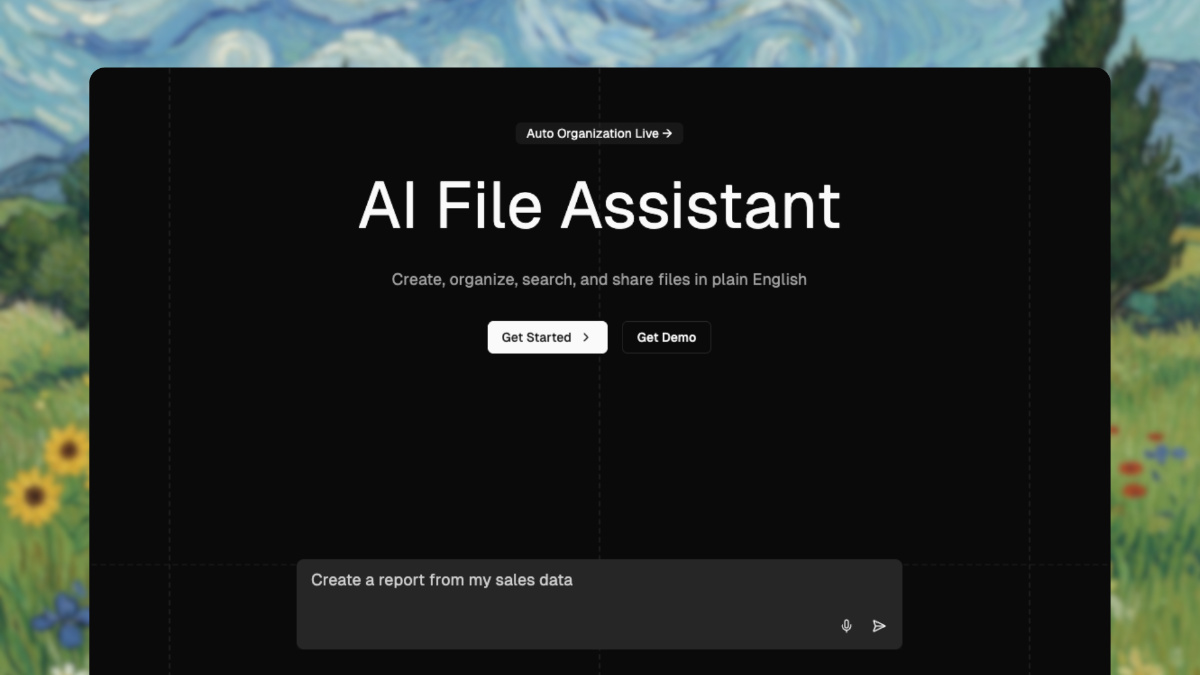
Image: thedrive.ai official site
The free tier covers 20 AI tasks and automatic organizing for up to 10 files a month. Storage is capped at 50 files and 1GB. Paid plans are Premium at $19.99 a month and Max at $99.99 a month. The official site has a Korean-language page, but the iPhone app interface appears in English. An account is required, and you do not have to enter a credit card to start on the free tier. According to the privacy policy, portions of file contents needed for AI tasks, along with file names and your email, may be passed to AI vendors. The company does say it does not use customer data to train AI models.
Invited: turns billing dates into reminders
Invited - AI Reminder Scanner finds dates in bills, invitations, photos, screenshots, and PDFs and turns them into reminders. It also reads times, locations, and amounts, and a single document can yield several reminders. It suits anyone trying not to miss a utility payment deadline or an event date printed on an invitation. You can edit the details before saving, and the alert arrives at the time you specify. It starts right up on iPhone and Android with no sign-up.
Installing is free, and AI document scanning is limited to three uses. Reminders you enter by hand have no usage cap. On Korea’s Apple App Store, Invited Pro Monthly costs 1,100 won a month. It reads Korean-language documents, and the interface language listed on the App Store is English. The reminder list is stored on your device, but scanned documents are sent to an AI service to extract the dates. It sometimes misreads dates, so it is worth checking against the original before saving. On the free tier you may see ads.
Cal AI: log a meal with one food photo
Cal AI takes a food photo, a barcode, or a written description and calculates calories, protein, carbohydrates, and fat. It links up with exercise logs to track progress toward your goals. It fits people who find it tedious to look up and type in a food name at every meal, and those who want meals and workouts in one place. The numbers derived from photos are estimates, not exact measurements. It is available as an iPhone and Android app.
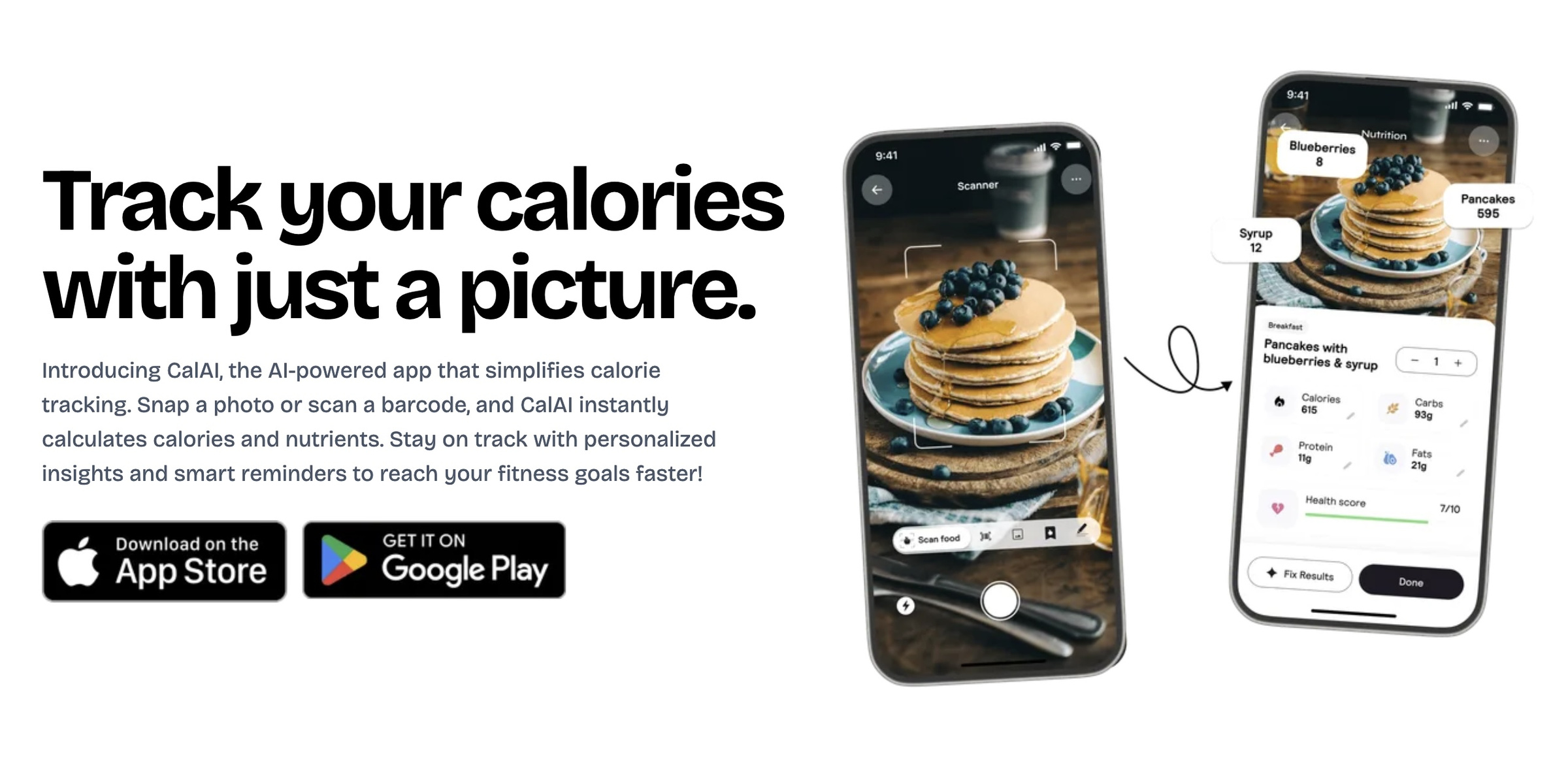
Image: calai.app official site
Installing is free, and the official site advertises a three-day free trial. Viewing the results of food photo analysis requires a subscription. Korean is among the supported languages on the App Store, so the interface can be used in Korean. The terms of service state that content users upload may be used to operate and improve the service and to train AI models. Subscriptions renew automatically unless canceled.
Claude Dashboards and Motion: company data as charts and video
Dashboards, an experimental Claude feature, builds an at-a-glance status board from company data you have connected. You can refresh the contents by asking in plain language, and you can check which data a chart pulled from and when it was last updated. Motion converts report or chart content into a short animation. You can edit the copy, the numbers, and the running time, then export it as an MP4. They are useful for reporting materials where you check the same figures on a regular cycle, and for short videos that walk through a chart.

Image: Claude official site
Neither feature is available for free. Dashboards works on Pro, Max, Team, and Enterprise; Motion works on Team and Enterprise. On monthly billing, Pro is $20, Max starts at $100, and Team starts at $25 per user. Claude’s web and desktop interfaces support Korean, and if you ask in Korean it answers in Korean. Using it requires an account and phone number verification from a supported region. When you connect company data, it is worth confirming how much access you are granting. What you create is visible only to you at first, and on Enterprise an administrator has to switch the features on.
PDF TO MP3: listen to documents instead of reading them
PDF TO MP3 lets you upload a PDF and listen to it, or download it as an MP3 file. It plays sentence by sentence, with repeat and speed controls. You can also pick a particular sentence and ask the AI to explain it. It is handy for listening to a report on the commute, or replaying a sentence you are studying. It works on the web, as iPhone and Android apps, and as a Chrome extension.
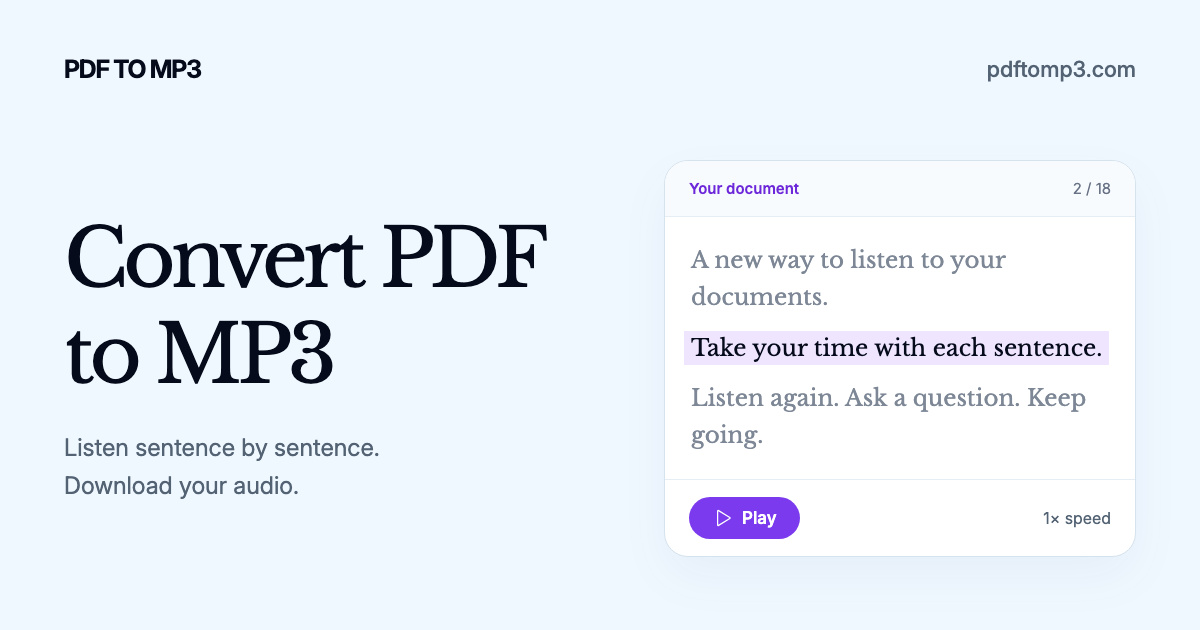
Image: PDF TO MP3 official site
The app is free to install, and the App Store update notes describe a free read-aloud feature. The terms list weekly, monthly, and annual plans. You can start as a guest without signing up, but the Chrome extension requires an account. The company states that it collects uploaded files, generated audio, and listening history, and that Google or OpenAI may process data when audio is generated or AI features are used. If you share a document publicly, others can view it.
All five tools help you take material you already have on hand, such as files, notices, and meal photos, into the next task. When choosing, start with two questions: does the task you have in mind fit inside the free tier, and where does the material you upload go and how is it used?