From News Digests to Logo Design, AI Tools You Can Put to Work
New projects that gather news and polish text and video drew attention this week. "Skills" that hand AI a concrete workflow are spreading into more and more fields.
This week’s standouts were projects that use AI to organize information or assist with creative work. The use cases are specific: tools that curate news into a daily briefing, design logos, clean up Japanese prose, and produce video. Several projects also took the form of “skills,” bundles of instructions that teach an AI how to carry out a task step by step. The star counts below reflect how many GitHub users have bookmarked each project.
AIHOT: Your field’s news, delivered as a morning briefing
AIHOT is a website framework that pulls news from multiple sources and organizes it into Chinese-language headlines and summaries. It groups articles covering the same event and generates a daily briefing each morning. Sources and selection criteria are configurable, which makes it useful for anyone trying to track news in a specific industry. The developer says it runs on the same engine as the live AIHOT site. It has 5,757 GitHub stars.
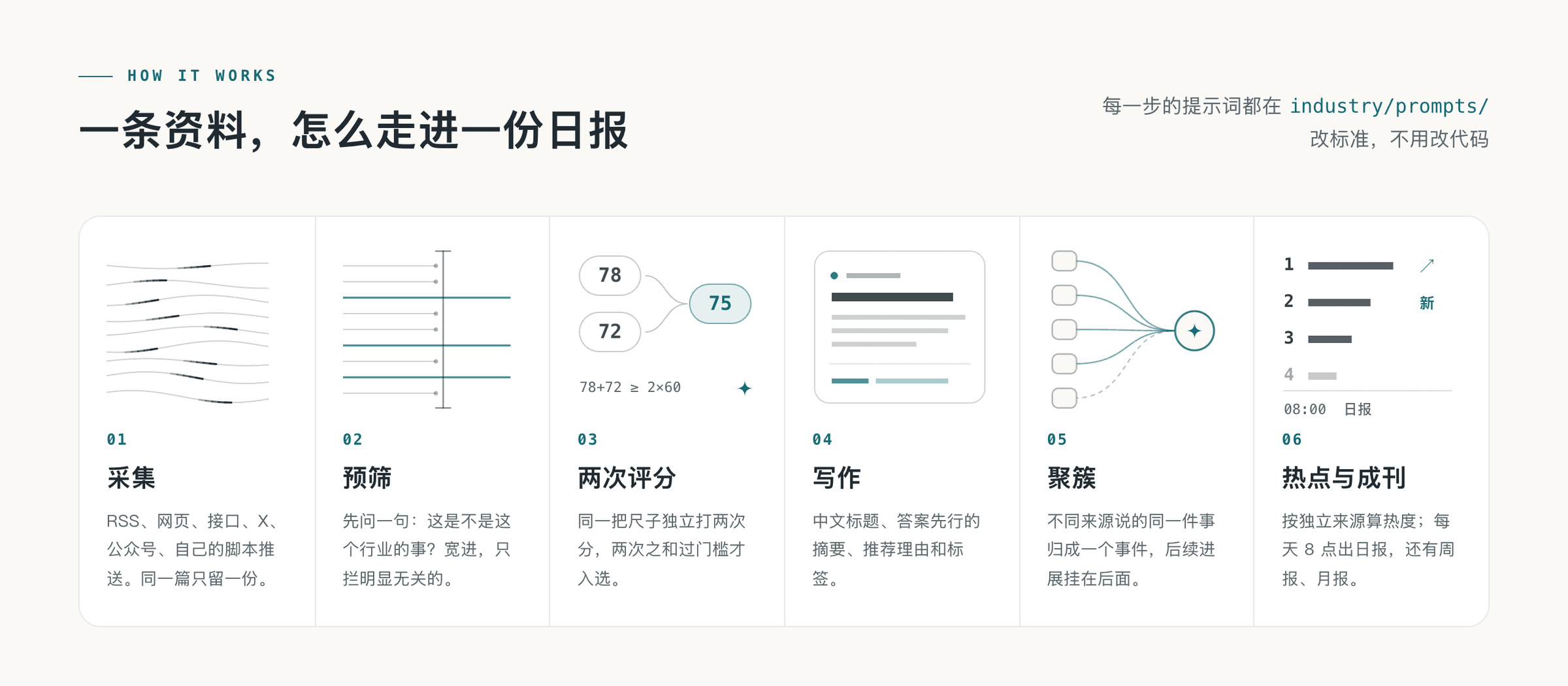
Image: GitHub KKKKhazix/AIHOT README (MIT)
OpenDots: An AI teammate that moves between texts and Slack
OpenDots is a base framework for building an AI teammate that works across text conversations, voice calls, and Slack. The architecture sets up self-directed AI agents, each with its own computer. It is designed to be used on both web and mobile. Because you can self-host it and adapt it to your own workflows, it is worth a look for teams that want to build their own AI assistant. It has 3,158 GitHub stars.
Image: GitHub CopilotKit/OpenDots (MIT)
dots: Hand your browser tasks to an AI
dots is a tool that lets you chat with an AI while watching the web task unfold alongside the conversation. The chat sits on the left side of the screen and the browser on the right. It is built on a modified Firefox engine. It is aimed at users who want to experiment with automating web tasks. The developer highlights it as a browser that avoids being blocked by sites. It has 2,598 GitHub stars.
logo-design-skill: Teaching AI a step-by-step logo design workflow
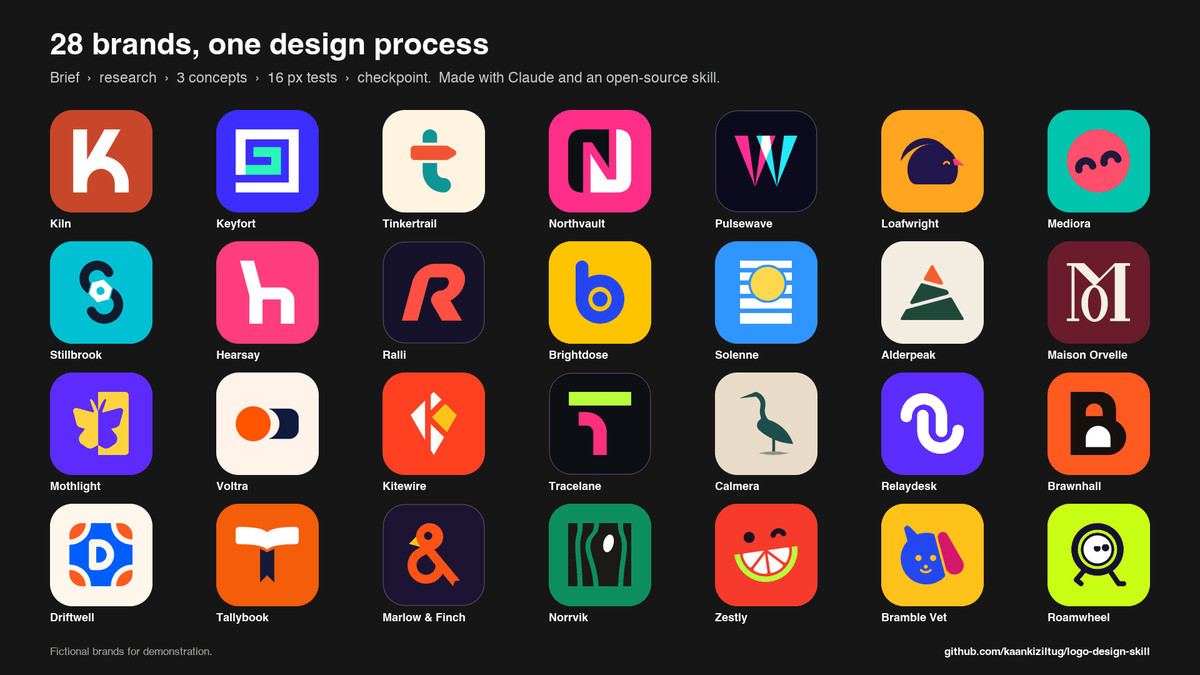
logo-design-skill is a bundle of logo design instructions for use with Claude, Gemini CLI, Codex, and similar tools. It covers everything from gathering requirements to choosing shapes and colors, then reviewing and delivering the final files. More than 1,400 logo reference assets are included. It suits anyone who wants structure in their workflow while generating brand concepts with AI. It has 1,847 GitHub stars.
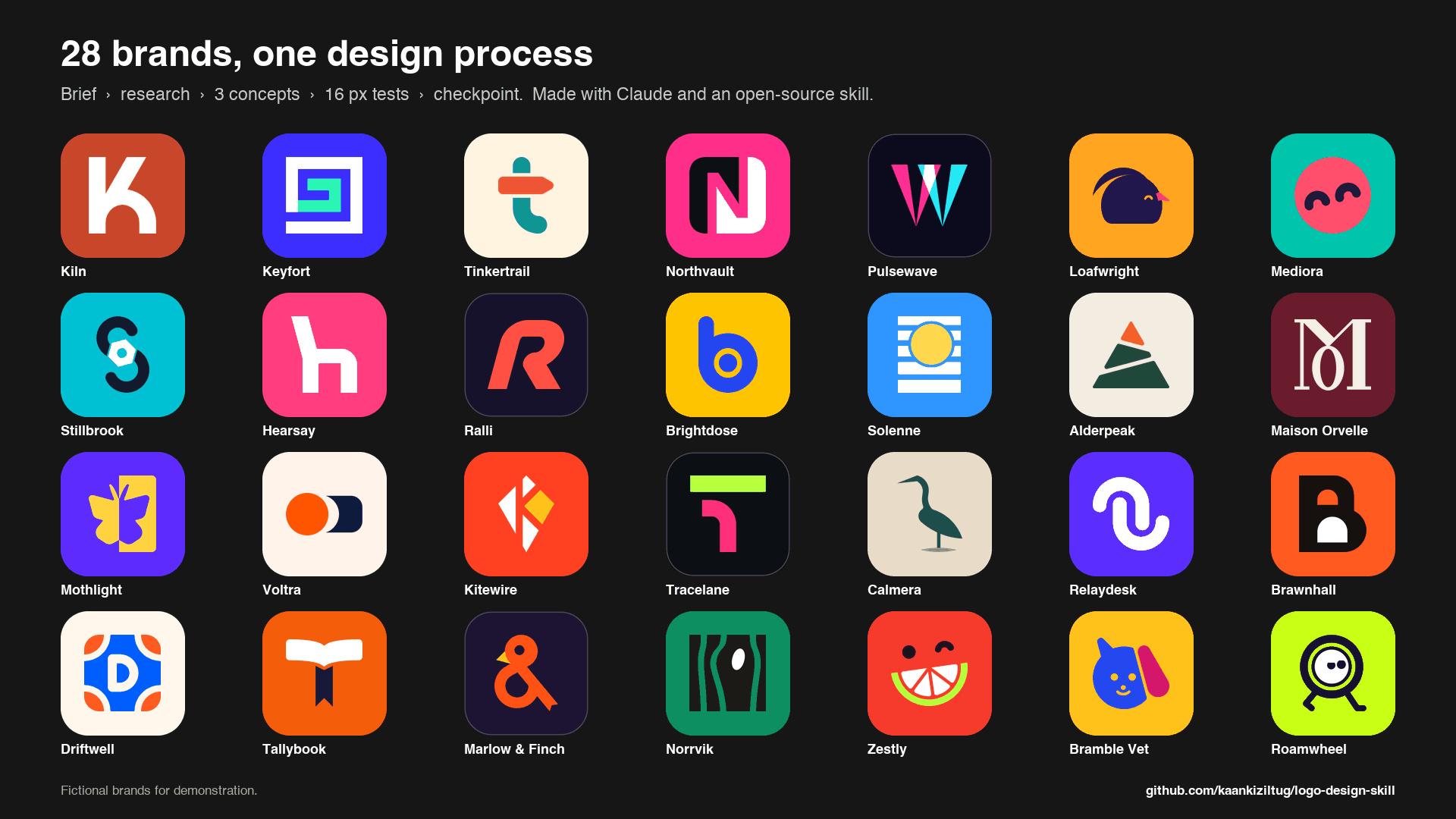
Image: GitHub kaankiziltug/logo-design-skill README (MIT)
yomiyasu: Making AI-written Japanese easier to read
yomiyasu is a skill that rewrites AI-generated Japanese to sound natural and read easily. It targets practical documents such as technical articles, design specs, and internal reports. You load it into tools like Codex, Claude Code, and Cursor. Korean users who write Japanese-language business documents may find it worth a look too. It has 1,378 GitHub stars.
Image: GitHub nanaism/yomiyasu README (MIT)
reelmimic: New video in the style of a reference clip
reelmimic is a project that takes a reference video and produces a new one with a similar feel. It accepts video files, clips shot on a phone, and YouTube links as input. It is structured to walk through planning, production, and review in sequence with Claude Code or Codex. Creators who would rather show the look they want than describe it may want to take a look. It has 1,265 GitHub stars.

Image: GitHub edenfunf/reelmimic README (MIT)
answer-me-with-html: Long answers organized on a single page
answer-me-with-html is a skill that organizes the answer to a complex question into a single web page. The AI writes a short draft, and an included tool converts that draft into a page. It fits anyone who would rather read an explanation on a cleanly organized standalone page than in a long chat window. It has 1,003 GitHub stars.
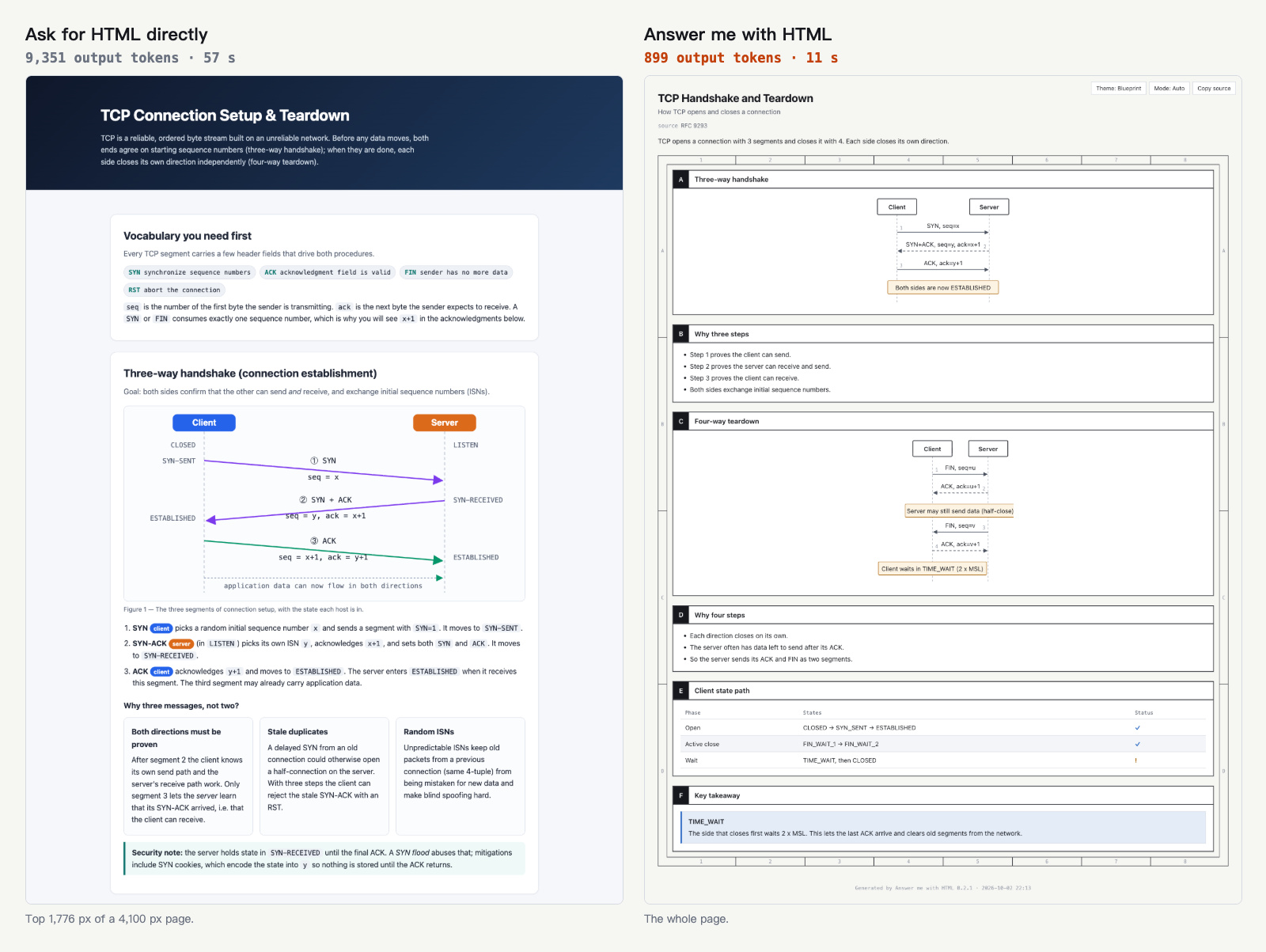
Image: GitHub QingYunA/answer-me-with-html README (MIT)
Projects back in the spotlight included a free learning curriculum, a personal AI assistant, and a set of AI development workflow instructions. All 7 of the new projects above are released under the MIT license.
freeCodeCamp: Learn to program for free
freeCodeCamp publishes free courses in programming, math, and computer science, along with the code behind the site itself. It is aimed at beginners who want to study web development and machine learning at their own pace. It has 456,740 GitHub stars.

Image: GitHub freeCodeCamp/freeCodeCamp README (BSD-3-Clause)
openclaw: An AI assistant that runs on your own machine
OpenClaw is an AI assistant that runs on the user’s own computer. You call on it through the chat channels you already use, such as Slack and Telegram. The developer says memory and credentials stay on the user’s device. It fits anyone who wants to operate a personal or shared team assistant themselves. It has 391,316 GitHub stars.

Image: GitHub openclaw/openclaw README (MIT)
superpowers: Putting AI development work in order
superpowers is a system that ties together multiple skills and initial instructions to guide an AI through software development work. It targets users who want to apply a consistent workflow to their AI coding tools. It has 295,259 GitHub stars.
Image: GitHub obra/superpowers (MIT)
New releases this week
- pytorch/pytorch: a trunk build was posted on October 4.
- ollama/ollama: the v0.40.0-rc2 tag was posted on October 4.
- BerriAI/litellm: v1.104.0 shipped on October 3.
- vllm-project/vllm: v0.31.0 shipped on October 2. It adds an upper version limit for its Transformers dependency.
- modelcontextprotocol/python-sdk: v2.3.0 shipped on October 2.
- openai/codex: 0.160.0 shipped on October 1.

Image: GitHub ollama/ollama README (MIT)
The standout tools in this week’s list focus AI on specific tasks, such as news curation, design, and document work, and organize those tasks into workflows. Korean users should weigh whether a tool actually fits the task at hand, along with its Korean-language support and the cost of any external services it requires.