From Customer Bookings to Ad Management: 5 AI Tools That Take Work Off Your Plate
We picked tools that handle customer bookings, e-signatures, team management and marketing. Here's what you get for free, what the paid plans cost, and what to check before handing over your work data.
From answering customer inquiries and sending documents out for signature to reviewing ad performance, here are five AI tools built to absorb repetitive work. Shop owners, office workers, team leads and marketers will each find something worth a look.
ooon.ai: answers inquiries and books the appointment
ooon.ai answers questions about pricing and services, then finds an open slot and books the appointment. It also nudges customers who drop out of a conversation. It talks to customers on WhatsApp, Instagram and Telegram, while the operator adjusts settings and reviews conversations from a web dashboard.
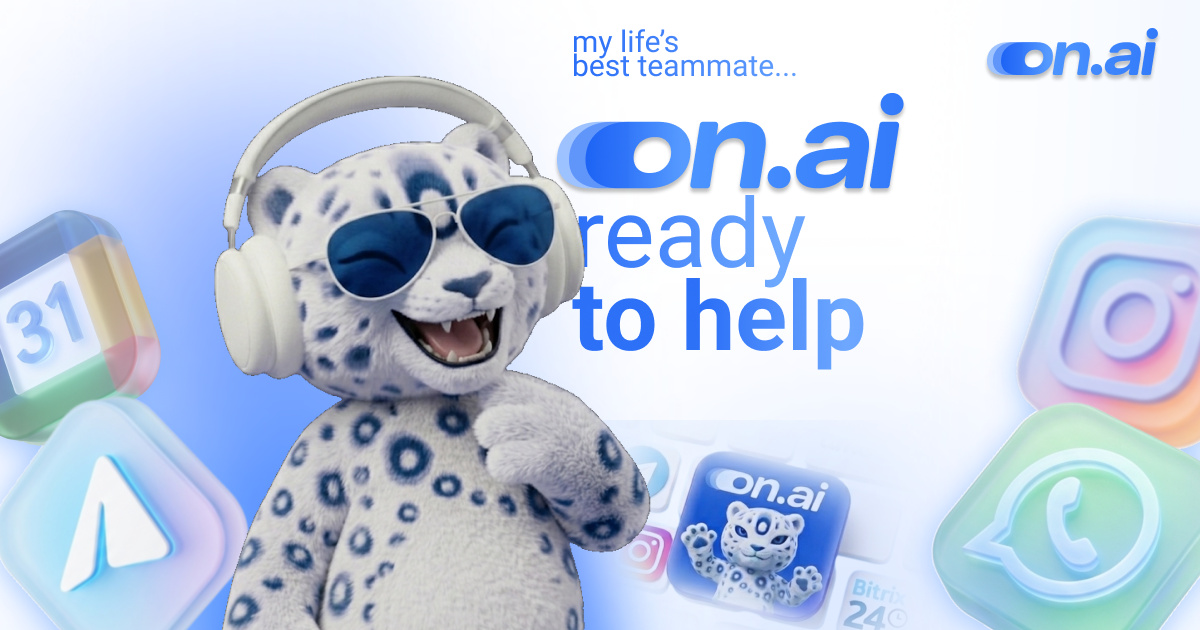
Image: ooon.ai official site
It’s a fit for, say, a solo studio owner who needs pricing questions answered during a shoot, or who wants to re-engage a customer who went quiet after a consultation. Monthly pricing is 49,970 tenge for ooon.ai one and 99,970 tenge for ooon.ai omni. The company also offers a model where you pay 10% per completed booking. The interface is available in Kazakh, Russian and English.
Before handing over customer conversations, it’s worth checking how the service handles data. Operators can review conversation logs and export conversation analytics. The company says it applies encryption and a non-disclosure policy. Its terms of service also note that website visit statistics gathered via cookies are anonymized and sent to Yandex Metrica and Google Analytics.
Jotform Sign: create documents for signature in a chat window
Jotform Sign for ChatGPT and Claude is an integration that lets you create and send documents for signature while chatting with a bot. You can describe the request in text, or build the document from a PDF or DOCX file you already have. You can edit the content, signature fields, recipients and signing order, and track progress after sending.
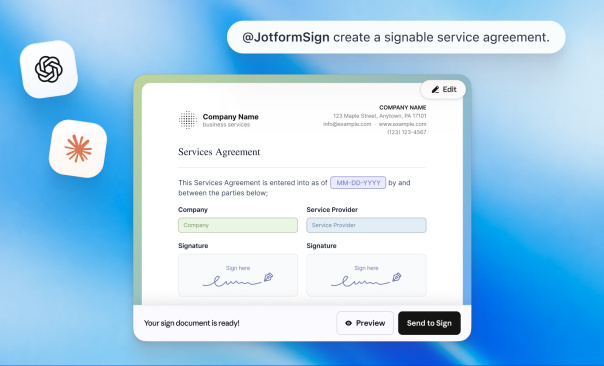
Image: Jotform official site
It suits a freelancer adding signature fields to a contract file before sending it to a client, or a staffer checking who has signed a consent form. To use it, you connect and authenticate a Jotform account with ChatGPT or Claude. The free Starter plan covers up to 10 completed signed documents per month, and documents carry Jotform branding.
Paid plans, billed annually and expressed as a monthly rate, run $34 for Bronze, $39 for Silver and $99 for Gold. If your contracts contain personal data or confidential business information, check the processing terms first. Jotform notes that third-party processors, including some AI vendors, may access submitted information in the course of delivering the service.
Semos.ai Manager Agents: sorts out what to say to your team
Semos.ai Manager Agents supports a manager’s work using meeting notes and team information. It summarizes meetings and passes the output to other Semos.ai features, and it helps you prepare for feedback conversations that are hard to start. It also drafts recognition messages that point to what an employee actually did.
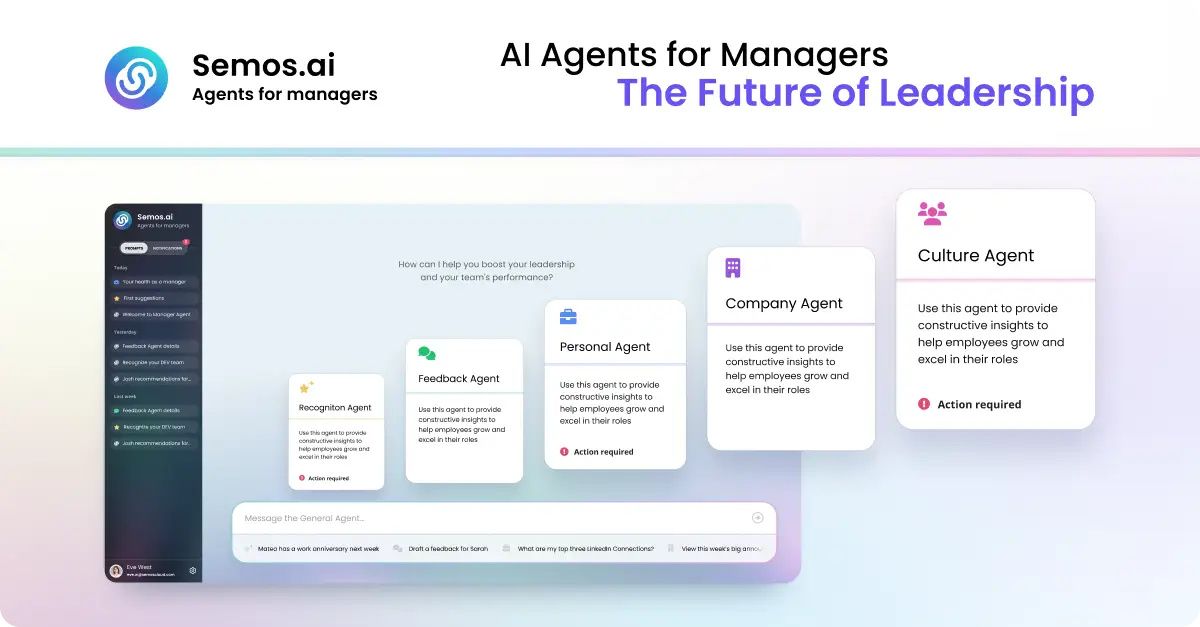
Image: Semos.ai official site
Useful for organizing feedback ahead of a one-on-one, or polishing a thank-you message for an employee who just wrapped up a project. You create an account and use it on the web. The free plan is limited to a one-time grant of 250 credits, which the company says is enough for roughly five to 10 uses. Paid plans are listed at $39 for Pro and $69 for Power.
Because the tool handles information about your team members, decide up front how much you’re willing to enter. The company says it may collect inputs, outputs and usage records, and may share data with parties including AI model vendors. Securing a lawful basis or consent for entering another person’s personal data is the user’s responsibility.
ZenABM’s Zena: run your ads through conversation
Zena is an AI assistant that creates LinkedIn ads and adjusts bids and budgets. It analyzes ad performance and engagement by company to produce reports, and it suggests pausing underperforming ads. A good fit for B2B marketers reviewing performance or preparing a budget shift.
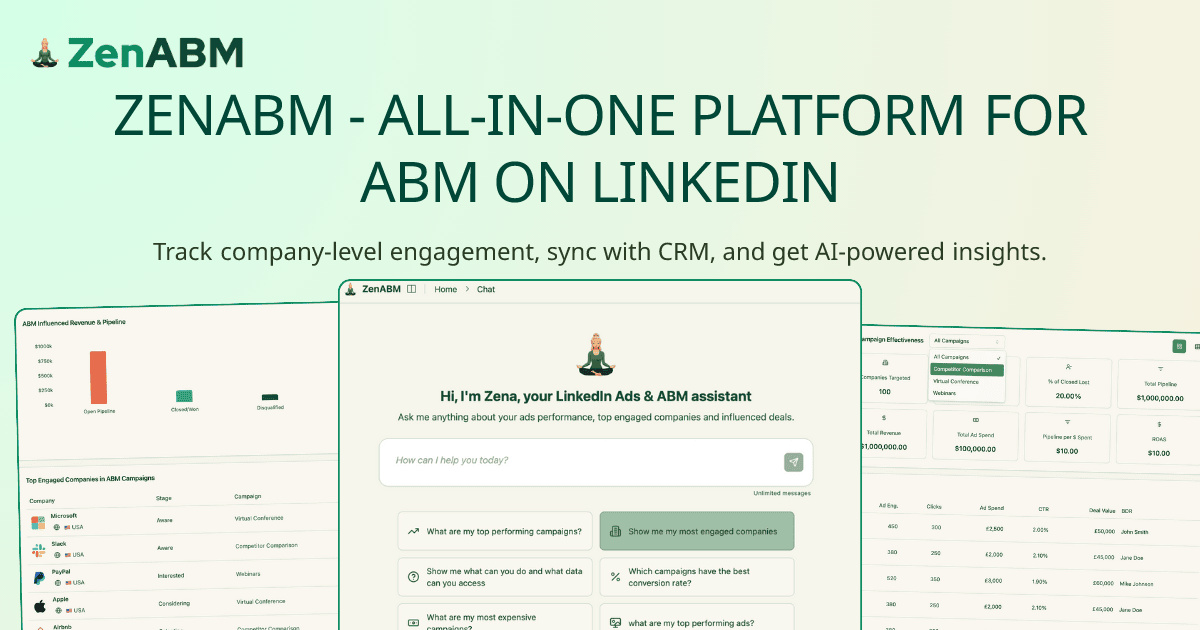
Image: ZenABM official site
By default you use it inside the ZenABM web app. From the Growth plan up, an external AI integration lets you use it from Claude, ChatGPT, Cursor and others. The free trial lasts 37 days and includes 10 messages exchanged with Zena. Paid plans are $59 per month for Starter and $159 per month for Growth, allowing 10 and 50 conversations per day respectively. Pro at $399 per month and Agency at $479 per month have no conversation limit.
Changes that affect live ad delivery are applied only after the user confirms them. The service processes connected advertising and CRM data, and says it may use anonymized data for reporting and benchmarking.
Howseen AI: how does your brand show up in AI answers?
Howseen AI tracks how a brand is mentioned across ChatGPT, Gemini, Perplexity and Google’s AI search results. It measures how often the brand appears for each query and how it is characterized, and analyzes competing brands and cited sources. It can also generate content aimed at increasing visibility and publish it to your website. Handy for a brand manager checking how their company and its rivals get introduced in response to the questions customers are likely to ask.
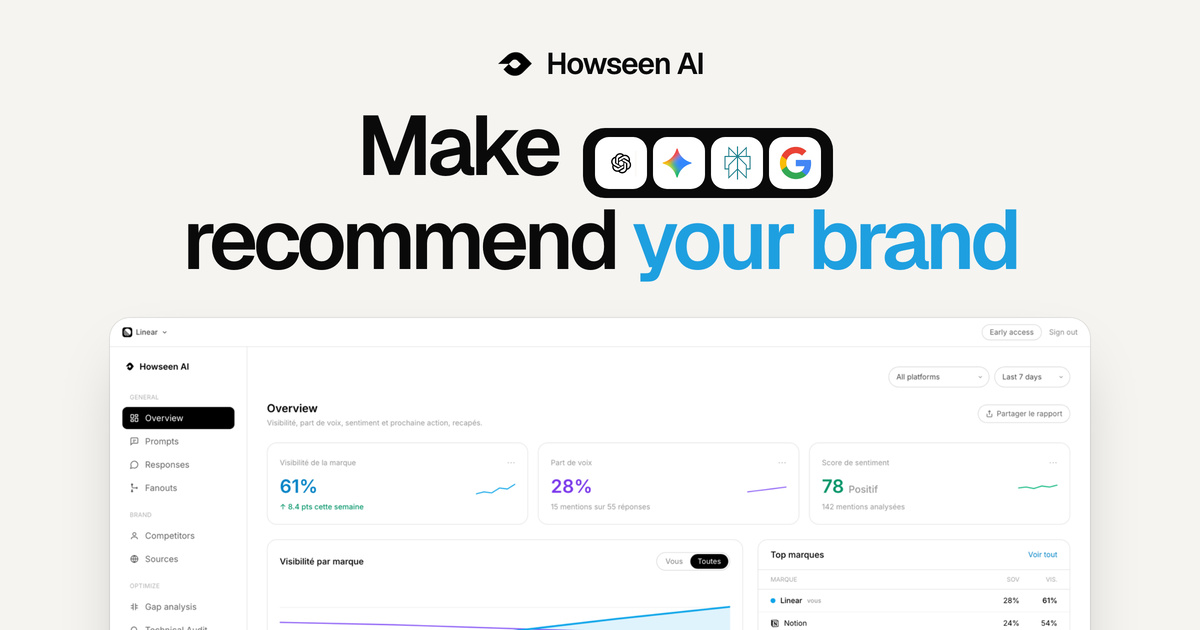
Image: howseen.ai official site
You can run a free AI visibility audit without entering a card. Pro costs 79 euros per month per brand. Paying for a year up front is billed at 758 euros, which the company describes as about 63 euros a month. Enterprise is custom-quoted, and the agency plan is 79 euros per month per client brand, or about 63 euros a month on annual billing. The company indicates that generated content can be written in Korean.
Google Search Console and Google Analytics are connected with read-only permissions once the user consents. The company states that it uses third-party AI vendors for content generation and analysis.
When evaluating these five tools, it helps to pick a single task to hand over first. While trying a tool for free, consider both the time people spend correcting its output and the scope of customer, employee and advertising data you end up passing along. Weighing the two together makes the choice much easier.