Does an AI Forget the Start of a Long Document? It Depends on the Service
There's a ceiling on how much an AI can draw on at once. What happens when you cross it differs from service to service. Here's how to get useful, evidence-backed answers out of long documents.
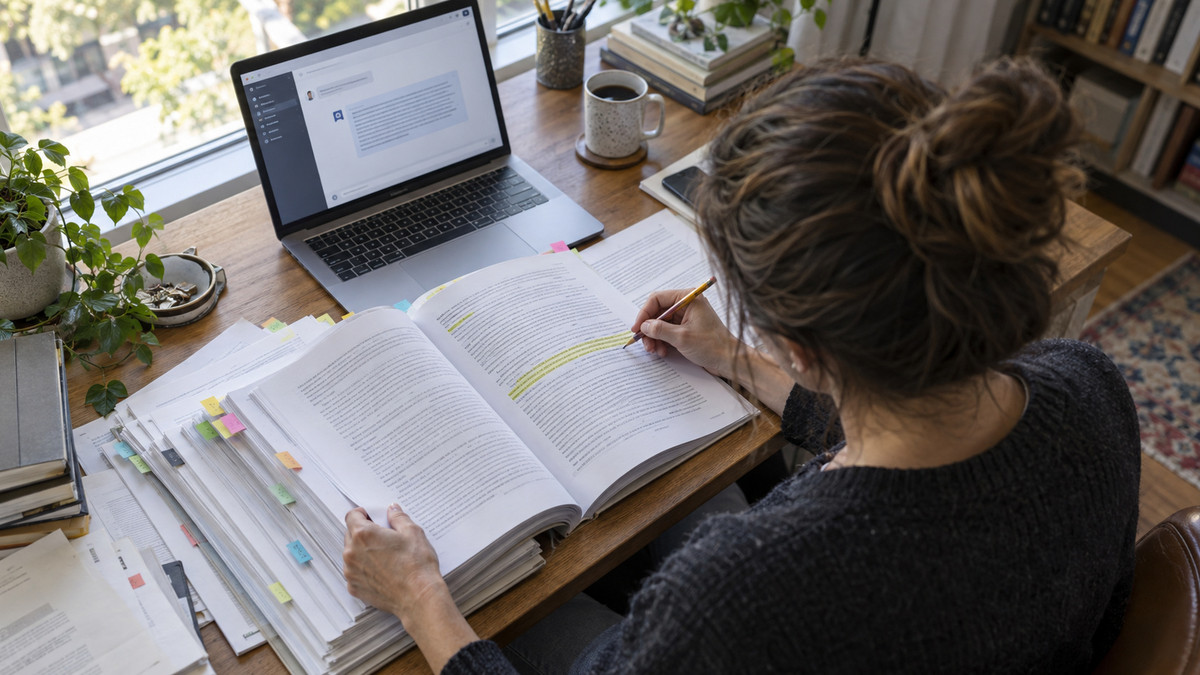
Feeding an AI a long document doesn’t automatically mean it starts forgetting the beginning. There is a limit to how much information a model can draw on when it answers. But what happens once you cross that limit varies by service and by settings. And even a document that fits within the limit is no guarantee the model will locate the right passage and answer accurately.
How big is the AI’s desk?
The amount a model can read at once is called the context window. It’s the ceiling on the information available to it while composing an answer. Picture spreading your materials across a desk and answering questions from them. A bigger desk holds more paper. That doesn’t mean every page on it gets used.
And the desk isn’t holding only the document you just uploaded. Earlier turns in the conversation, the instructions you give the model (the prompt), and results returned by tools all take up space too. The text the model generates in reply counts against the limit as well. That’s why you can’t judge how much headroom you have from file size alone.
When you plan to ask several questions about a long report, think about the entire conversation, not just the report. Two things are worth checking: how long any single file is, and what information the current answer actually requires. Cramming in a lot of material at once and selecting the right material are two different jobs.
Does the beginning get cut when you exceed the limit?
Not every AI trims the front of your document the same way when you go over. Anthropic explains that in the developer-facing setup, where a service calls the model directly, an input larger than the model’s limit produces an error. In that case, describing it as “the model accepts the input but forgets the earlier part” simply isn’t accurate.
OpenAI’s developer documentation says the amount available in a single pass covers input, output, and the reasoning the model does while producing an answer. It adds that if your prompt balloons with too much reference material or too many examples, you can exceed the limit and get a truncated answer.
Nor does a document going through without an error guarantee a correct answer. As the volume of reference material grows, a model’s ability to find and use the relevant part can degrade. Whether the document fits within the limit and whether the answer actually cites the right evidence are two separate questions.
How to ask questions about a long document
When you’re working with a long document, sort out your question and your evidence before you worry about volume. Translating the guidance in these companies’ official documentation into everyday document work gives you the following sequence. You can apply it when framing a question, without hunting through any particular app’s menus.
- Narrow down what you want to know. Don’t vaguely ask for an explanation of the entire report. Decide which item you’re checking. If you want to know how the schedules in two proposals differ, put that difference at the center of the question.
- Strip out material you don’t need. Don’t send along documents unrelated to the question. Google advises trimming unnecessary content when working with long materials.
- Label each document. If you’re submitting several files together, attach titles or separators so sources can be told apart. This is groundwork for verifying which document an answer is based on.
- Make it find the evidence first. Don’t demand a conclusion right away. Have it locate the relevant passages and sources first, then answer on the basis of that evidence.
- Put the specific question after the material. This is the approach Google recommends for working with long inputs. Spell out at the end exactly what you want compared or verified.
For example, you might ask: find the sections of Proposal A and Proposal B that state the deadline, then explain the difference in schedule along with the document names. That bundles together the tactic of separating documents and the tactic of surfacing evidence first. Even so, don’t take the answer at face value. Check the cited evidence against the original text.
What the three companies say
The developer documentation from all three companies points to things worth watching when handling long inputs. Here’s a summary of each.
| Company | Guidance on handling long documents |
|---|---|
| OpenAI | States that the amount available in a single pass covers input, output, and the reasoning done while producing an answer, and that a bloated prompt can leave the answer truncated. |
| Anthropic | States that an input larger than the model’s limit produces an error, and that accuracy can decline as volume grows. |
| Advises placing a specific question after long material, and trimming unnecessary material. |
Sometimes you reuse the same material repeatedly. For that case, Google suggests considering context caching, an approach that stores material so it can be reused. It’s worth distinguishing a one-off question about a document from repeated work with the same material.
Is the model’s limit the app’s limit?
As of September 2026, the developer documentation for GPT-5.4, Claude Sonnet 4.6, and Gemini 2.5 Pro lists how much each model can handle. You can’t apply those figures wholesale to every chat interface in ChatGPT, Claude, and Gemini. The chat service you use and the developer-facing model documentation cover different things.
When comparing numbers across companies, look at what each limit is counting. Google lists maximum input and maximum output separately. Line up a single figure from each and it’s easy to miss whether you’re comparing like with like.
Users who want a model to read Korean-language documents are likewise better off not judging by model names or limit figures alone. What matters is whether the actual answer finds and uses the evidence inside the document. The amount that fits in a single pass only tells you the range of material that can be taken in. It isn’t a number that vouches for the accuracy of the answer.
Four things to check before providing a document
- Am I including material the current question doesn’t need?
- Can the names and sources of multiple documents be told apart?
- Did I ask the AI to locate the relevant evidence first?
- Have I checked the evidence in the answer against the original text?
Working with long documents means knowing the limits and verifying the evidence, together. Going forward, choosing a model or a service shouldn’t come down to maximum capacity either. It’s worth testing how accurately a model finds what you need in the documents you actually work with every day.