From Writing by Voice to Answering Missed Calls: 4 AI Tools This Week
We picked Gemini, which writes sentences from your voice; Pixo, which builds videos through conversation; Hola AI, which answers the calls you miss; and Referee.chat, where several AIs review the answer. Free-tier conditions and the extent of Korean support differ from tool to tool.

This week we picked four AI tools that help with writing documents, making videos, handling missed calls, and reviewing answers. Some let you start a task just by talking; others hand the same problem to several AI models and compare the results.
Gemini: speak, and the sentence writes itself
Speak to Window, which Google added to the Gemini app for Mac, cleans up what you say and drops it straight in at the cursor position of whatever window you are working in. Filler words that slip in between phrases get tidied away. You can also select text you have already written and ask, out loud, to have it revised. It will also pull the key points out of a document, a PDF, or an image on request.
Useful for: dictating the body of an English email, or selecting a long-winded sentence and asking for a shorter version. You can also select meeting notes and have it turn them into a draft email. You need a Google account to use it. The Mac app runs on Apple Silicon chips with macOS 15.0 or later.
According to the US pricing table, Gemini Free costs $0 per month and covers the basic features. Paid tiers include Google AI Plus at $4.99 per month and Google AI Pro at $19.99 per month. Those prices cover the Gemini service as a whole. Speak to Window is English-only for now and is rolling out gradually. Note that the window you select and the content you highlight may be sent to Gemini, so check what is on your screen before you trigger it.
Pixo: build a video through conversation
Pixo is a web tool that develops a video idea into a script and a scene-by-scene structure. It generates the images and video clips for each scene. You can then edit clips, voice, and music along a timeline and export the finished piece. The whole process, from concept to edit, happens through conversation.

Image: Pixo official site
Useful for: turning an idea for a shop promo video into a script, or generating and stitching together the scenes you need for short-form content. You have to create an account. There is a Korean-language web interface, so menus and service descriptions are available in Korean.
The free plan gives you 200 credits and 3 projects, and only lets you generate one thing at a time. Monthly billing runs $19.90 for Basic, $84.90 for Pro, and $439.90 for Max. With annual billing, the monthly equivalent drops to $9.90, $39.90, and $199.90 respectively. Do not confuse those figures with the monthly prices.
The prompts, photos, and videos you submit to generate a video may be processed by outside AI vendors. Even if you delete your account, some data remains because of legal obligations and similar requirements. Output can contain errors, so check it yourself before publishing.
Hola AI: it picks up the calls you miss
Hola AI is an AI voicemail service that takes over calls you cannot answer and talks to the caller. It works out what the call is about and screens out spam. It then sends you the call recording, a transcript, and a summary. Apps are available for iPhone and Android.
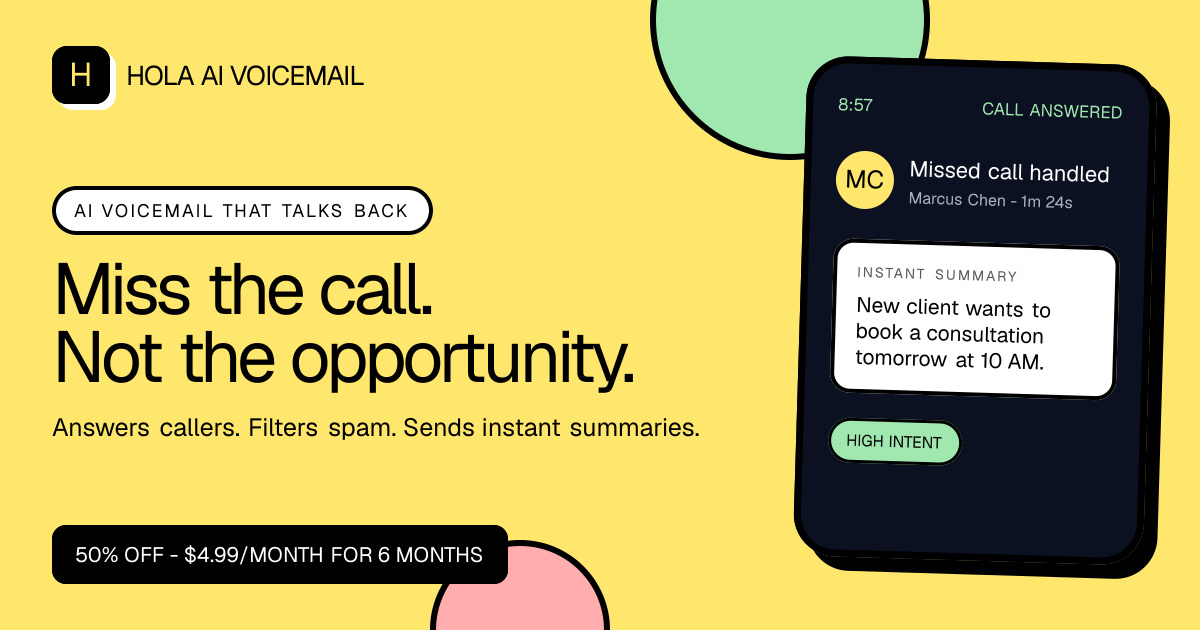
Image: Hola AI Voicemail official site
It is useful for small business owners who cannot answer calls while serving customers, and for office workers who want to find out afterward why someone called during a meeting. The iPhone app’s interface language is English.
The app is free to install, but you need a subscription to keep using it after the trial ends. Hola AI Plus costs $4.99 per month for the first six months and $9.99 per month after that. Annual Pro, the yearly plan, costs $49.99 for the first year and $99.99 per year thereafter.
When a missed call is handed off to the service, the contents of the call and the caller’s number are processed. Before call data is sent to another company for AI processing, the app asks for separate consent. The service notes that it is the user’s responsibility to obtain the other party’s consent where required for call recording. Your carrier may also charge for call forwarding, so factor in costs beyond the subscription fee.
Referee.chat: hand the same problem to several AIs
Referee.chat is a web tool where you set a goal and completion criteria, and multiple AI models review the answers. A separate judge model examines the supporting evidence and rules on the result. You can bring in up to six models. It supports academic literature search and calculation verification, and it keeps a record of the review so you can pick up work you left off.
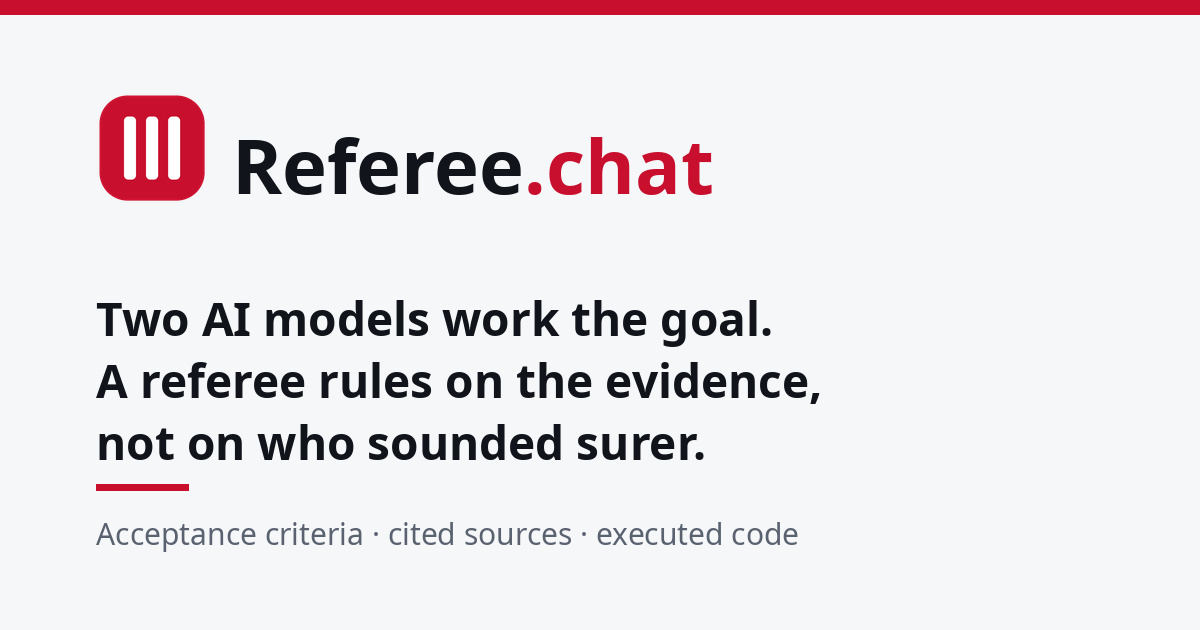
Image: Referee.chat official site
Useful for: handing a question you are stuck on while studying to several models, or checking both the math and the sources during research. You can see not only the final ruling but also the record of the review process. The web interface can be displayed in Korean.
Free users get a one-time $1 in usage credit. Paid use has no monthly subscription: you top up from $10 and the balance is drawn down as you use it. Jobs run on the free tier are made public. Be sure to check that condition before entering personal questions or work material.
The goals and task details you enter are passed to the AI model vendors you select. Search queries go out to an external search service. The service advises against entering confidential information that must not be shared externally, or other people’s personal data.
These four tools help with writing, making videos, and checking what a call was about and what an answer rests on. When you try them, do not look only at the output. Look also at where the information you put in ends up, and what conditions you have to accept to use them for free. For Korean readers, the deciding factor is whether the Korean support stops at the interface or extends to actually working in Korean.