Voice AI You Can Use Today, Screen and 3D AI You Have to Apply For
We picked Gemini 3.8 Flash TTS, which turns text into speech; Runway Solaris, which generates interfaces that respond to your input; and World Labs Atlas, which builds 3D spaces from photos. Here's what's available right now and what still requires an early access application.
This time we picked three models: one that generates voices, one that generates screens responding to user input, and one that generates 3D scenes. Google’s Gemini 3.8 Flash TTS can be used right away on the web. Solaris from Runway and Atlas from World Labs are both still at the early access application stage.
Gemini 3.8 Flash TTS: pick your voice
Gemini 3.8 Flash TTS converts text you enter into speech. You can create a voice simply by describing it in words, and you can adjust emotion, speaking pace, and intonation. You can choose from Google’s prepared voice library or design a new voice yourself. It’s also possible to give separate performance directions for how each line should be read. The model includes features for keeping a voice consistent when reading long passages or generating audio with multiple speakers in conversation.
Image: Google AI for Developers official site
It’s useful for narration in short videos or for audiobook readings. It also fits cases where you want to produce calm explanatory passages and emotionally charged lines separately. What stands out is that you can provide not only the text to be read but also instructions on the mood in which it should be spoken. It’s available through Google AI Studio on the web, or through the Gemini API for developers building it into their own services.
The model automatically detects the language of the text you enter. Google says it supports more than 130 languages. You can feed it Korean text and get Korean speech out.
Google AI Studio requires signing in with a Google account, and the API requires an authentication key. When you use the free tier, the content you enter and the output produced may be used to improve the product. Because humans may review that content, Google advises against entering sensitive information. Google states that content entered and responses generated through paid services are not used for product improvement.
Runway Solaris: can you try it now?
Runway Solaris is a research-stage model that generates app or website interfaces in real time in response to clicks, drags, and text input. It renders the screen directly, like an image, and keeps changing the scene as the user interacts with it. The key point is that it responds even to actions that weren’t predefined.

Image: runway.com official site
It’s useful when you want to preview how a screen would change when a button is pressed or an on-screen element is dragged. Readers who want to kick around app or website interface ideas should keep an eye on it. For now, though, it’s in an early access application phase while preparing for public availability. It isn’t a tool you can start using the moment you apply.
The early access application asks for your name, work email, company name, and company size. Runway’s general privacy policy states that it collects things like the content users enter and the output produced, and that it may use these for service improvement and research. That policy alone isn’t enough to pin down the specific terms that apply to Solaris. After applying, it’s worth reviewing the applicable terms of use before entering any actual work materials.
World Labs Atlas: can a few photos become a 3D space?
Atlas is a model that builds and reconstructs spaces from text, images, video, and 3D information. You can specify camera position and movement to generate images or video, and you can also reconstruct 3D scenes from photos or video. It includes functionality for handling how a space in a video changes over time.
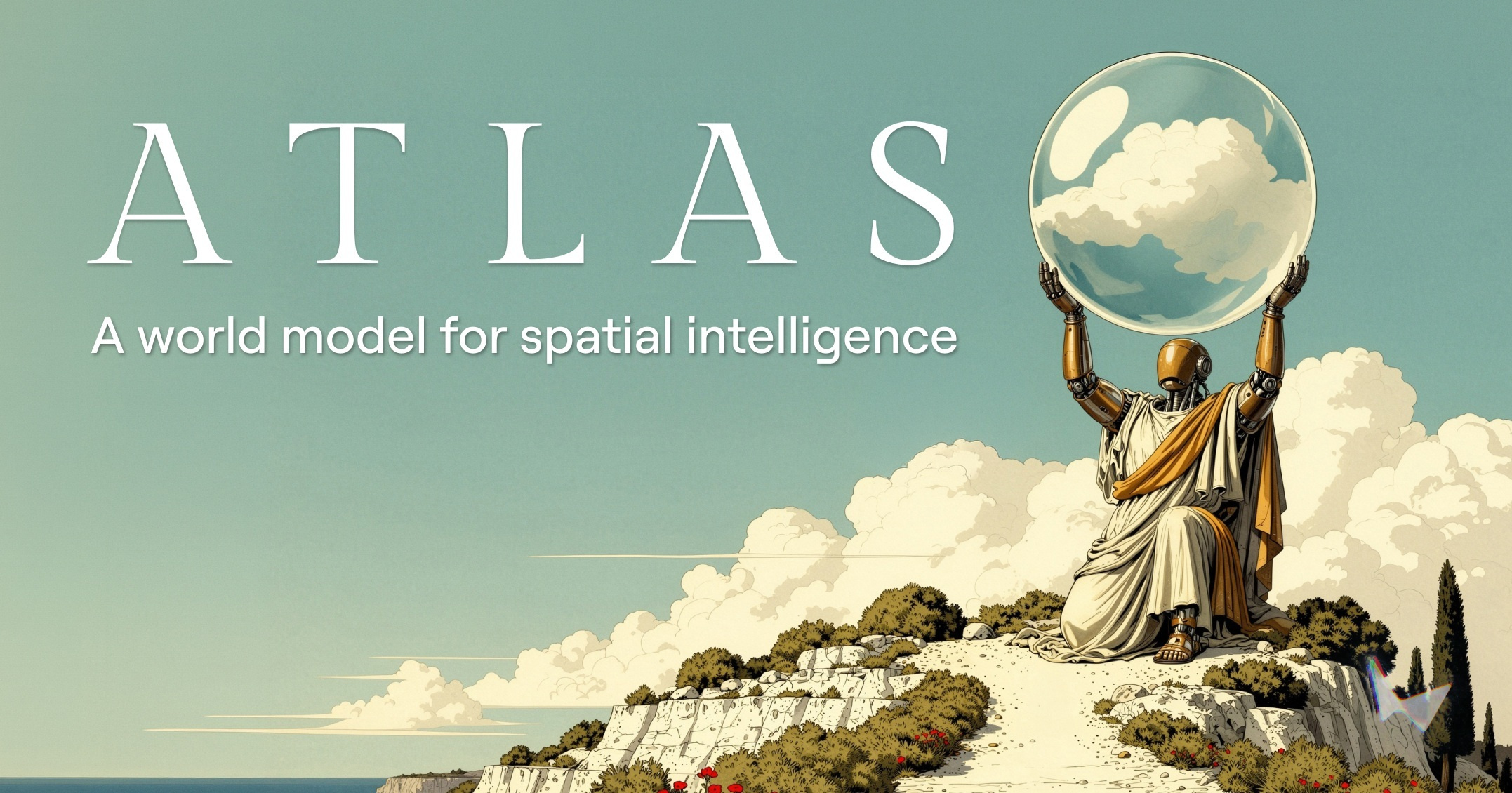
Image: worldlabs.ai official site
It fits when you want to reconstruct a space from photos or video you shot yourself. It’s also worth a look when you want to view the same scene from a different camera position, or plan how to present something with a moving camera. Right now early access has begun with a limited set of partners, and anyone interested can submit an access request. World Labs has said it plans to bring Atlas to Marble going forward, but current Marble pricing shouldn’t be read as the cost of using Atlas.
World Labs’ general privacy policy states that it may collect text, images, video, and 3D data that users upload. It says uploaded content may be used for training, evaluating, and developing AI models, and it also explains how to opt out of having your content used for training. Content used for training may be retained for a longer period. Before actually using it, you’ll want to check the terms that apply to Atlas and the opt-out procedure.
Of the three models, the one thing you can try right now is speech generation: giving Korean text a voice and a speaking style. Solaris and Atlas are, respectively, an interface that shifts with your input and a space reconstruction tool worth watching. The next things to watch for both: how far they’ll open up to general users, and when concrete terms of use will materialize.