A Two-Month Surge in Tools for Running Large AI Models on Your Own PC
Projects released over the past two months are widening the ways to run AI on PCs and phones. They keep model data in storage or split the work across several devices, and they also connect AI to writing and voice commands.
A wave of new projects aims to help you run large AI models on your own computer. The tools released over the past two months focus on solving the memory bottleneck, either by keeping the model on a storage device and reading only the parts it needs, or by splitting the work across several devices. Some projects also attach AI to everyday tasks, such as polishing text or controlling a computer by voice.
HyperQwen: one graphics card is enough
HyperQwen helps run Qwen3.8-27B on a single consumer graphics card with 24GB of memory. The development team published speed figures based on the RTX 3090, presenting single-user performance and batched multi-request performance separately. It is a good fit for anyone who wants to run their own AI chat service on that card. On GitHub it has collected 1,686 stars, the marker developers use to show interest.
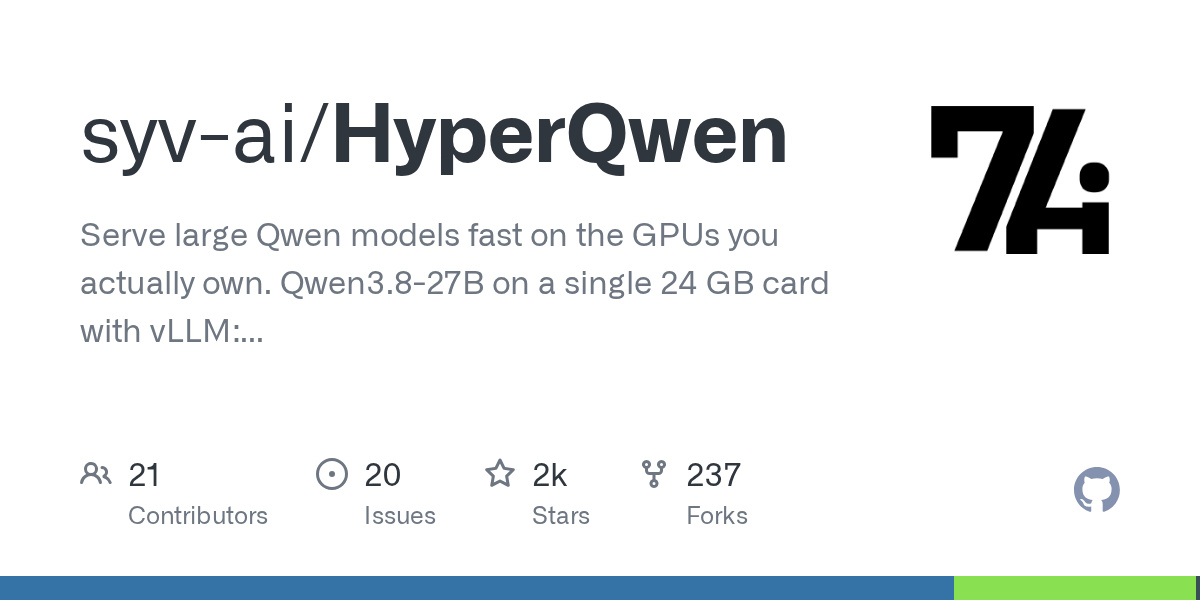
Image: GitHub syv-ai/HyperQwen (Apache-2.0)
deltafin: a big model on one machine, intact
deltafin makes the case that it runs Kimi K3 on a single machine without trimming anything away. Even when a smaller model proposes what comes next, Kimi K3 reviews each of those proposals and determines every output. It targets users who want to hook it into chat or coding tools running on their own computer. It has 821 stars. The project’s software is released under the MIT license, which lets anyone use and redistribute it freely. That condition applies only to the program itself, though. The terms for the model you actually run have to be checked separately.
halogen-flash-server: focused on one AMD chip
halogen-flash-server concentrates on running Qwen3.8-Flash-Next on AMD Strix Halo. Rather than supporting a broad range of devices, it is tuned specifically to this chip and model family. Worth a look if you own that hardware. It has 690 stars. For terms of use, it publishes Peonist, LLC’s end-user license agreement (EULA) v0.1, effective August 25, 2026. Commercial and production use are permitted without a fee. Redistribution in unmodified form is also permitted if the conditions are met. Separate terms apply to the model itself and to externally sourced components.
Swiftlet: big models on an iPhone
Swiftlet reduces the memory burden by reading the data a Qwen model needs from storage on demand. It is aimed at users who want to run large models on Apple devices, including the iPhone. The compressed configuration of a 35B model presented by the development team uses 18GB of storage space and occupies at most 2.6GB of memory. It has 644 stars.
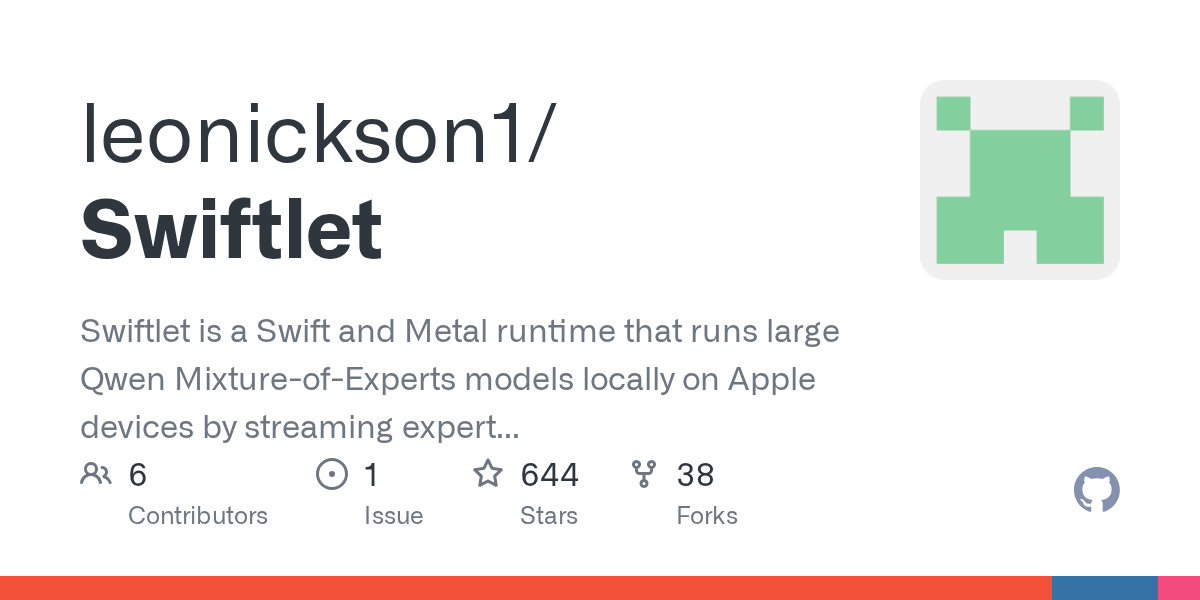
Image: GitHub leonickson1/Swiftlet (Apache-2.0)
openclip: select text, get an instant summary
openclip is a Mac tool that instantly brings up actions such as copying, converting, calculating, and AI-assisted writing the moment you select text. You can summarize, translate, or rewrite the selected text on the spot. It is useful for people who work with text across multiple apps, and you can add your own functions. It has 521 stars. The project’s current terms are GNU AGPL v3.0. The development team has separately noted that versions previously obtained under MIT terms remain under those terms.
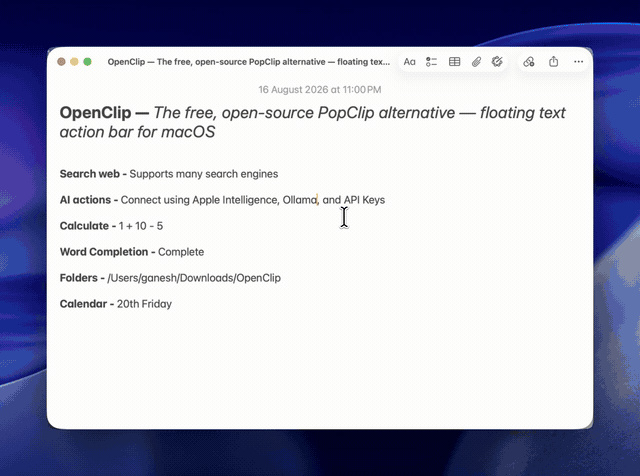
Image: GitHub ganeshmshetty/openclip README (AGPL-3.0)
swarmllm: a MacBook and an iPhone split the job
swarmllm lets several devices in the same space each take part of a model and run it together inside the browser. In a demo recorded on September 7, a MacBook and an iPhone connected to the same Wi-Fi ran Qwen 3.8 27B. It is an approach for cases where a single device cannot hold the whole model. It has 444 stars.
Image: GitHub Nehanth/swarmllm (MIT)
heterogeneous-gpu-pd-lab: an experiment in combining mismatched hardware
heterogeneous-gpu-pd-lab is an experimental project that aims to boost speed by adding a graphics card for computation to a computer with a large amount of memory. It targets setups such as AI Max+ 395, M3 512G, and DGX Spark. It is relevant to users who want to combine hardware with differing specifications. It has 418 stars.
slotstream: a 105GB model parked on an SSD
slotstream runs the 105GB Qwen3.8-Flash-Next on Macs with 16 to 64GB of memory. It keeps most of the model on the SSD and reads only the parts it needs, while frequently used parts stay in memory. It supports offline chat and image questions, and connects to tools like Claude Code and Codex. It suits users who want to do both AI chat and coding on a Mac. It has 395 stars.
Image: GitHub carloslfu/slotstream (MIT)
jarvis-assistant-vocal: control your computer with your voice
jarvis-assistant-vocal is a French-language voice assistant that runs on your own computer. Give it a spoken command and it answers out loud. It targets users who want to handle a range of tasks by voice, connecting lighting control, OBS, calendars, browsers, and phone functions. It comes in two modes: one that uses cloud AI and a fully offline mode that relies only on what is on your device. It has 393 stars.
Image: GitHub sosoj92/jarvis-assistant-vocal (MIT)
Spark-X2.5: small models for on-device use
Spark-X2.5 released two models, Spark-X2.5-4B and Spark-X2.5-1.7B. They are designed with chat, writing, translation, coding, and tool use in mind. It is relevant to users looking for a small model that can handle a variety of jobs on the device itself. It has 364 stars.
Image: GitHub XHToken/Spark-X2.5 (Apache-2.0)
So can you trust them?
These projects point to two shifts. The ways to run AI have widened, and so has the range of things AI is used for. The options now run from tools that spread a large model across storage or multiple devices to writing assistants and voice assistants. What remains to be verified is speed and stability. You can only find out how fast each approach runs on your own hardware by trying it yourself. The same goes for how consistently it gets the job done.
Sources
- syv-ai/HyperQwen: Serve large Qwen models fast on the GPUs you actually own. Qwen3.8-27B on a single 24 GB card with vLLM: 127 tok/s single-user (381 when the answer quotes the prompt), ~1,035 tok/s a
- gavamedia/deltafin: Run full Kimi K3 on a single device. And an OpenAI-compatible API server for local chat and coding agents.
- peonist-ai/halogen-flash-server: The fastest way to run Qwen3.8-Flash-Next on Strix Halo (gfx1151)